Check Spelling in ASP.NET Applications
Help users identify spelling errors and review correction suggestions in text fields and editors before submitting forms or saving web content.
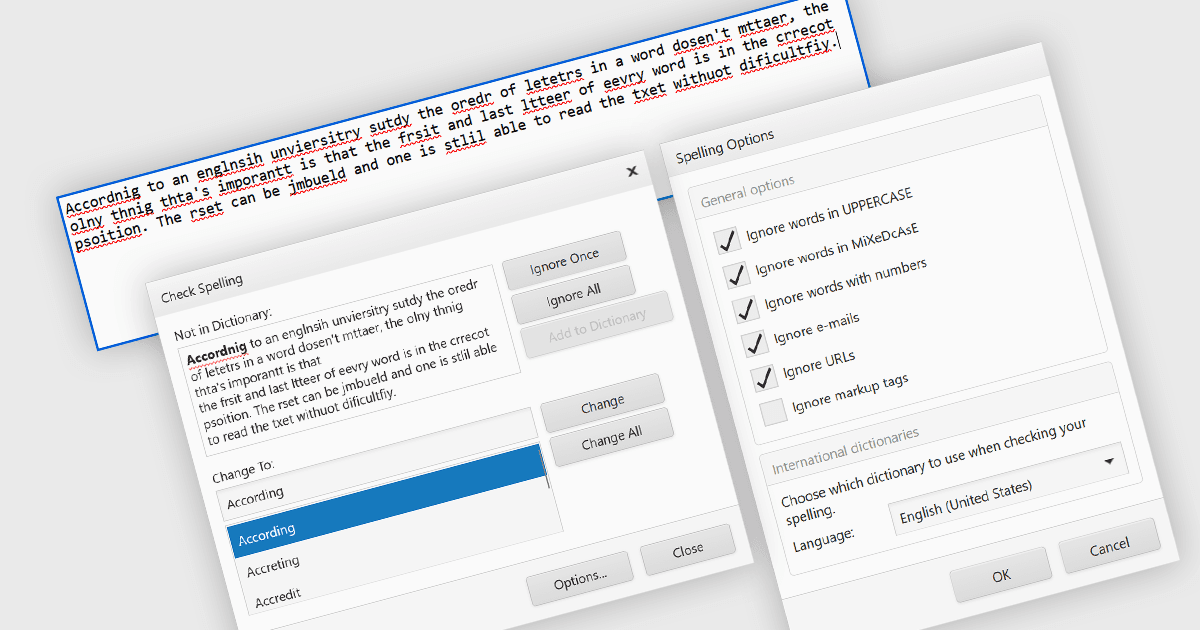
Spelling controls help users review text before submitting forms or saving content in the application. They check words against dictionaries, identify possible errors and offer replacement suggestions within the interface, allowing users to correct or ignore flagged words as appropriate. Developers can apply these checks to individual fields or multiple editors, helping users correct descriptions, messages and other written content without moving to a separate application. Custom dictionaries can accommodate specialist terminology and organization-specific names, making spelling checks more relevant to the content being entered.
Several ASP.NET UI and visualization suites provide spelling functionality, including:
- DevExpress ASP.NET Web Forms includes ASPxSpellChecker to check text in standard text boxes and supported DevExpress editors with a correction dialog offering suggestions and change or ignore options.
- Telerik UI for ASP.NET AJAX includes RadSpell to check text in editable elements, individually or across multiple controls, with support for multiple languages, custom dictionaries and subject-specific dictionaries for terminology such as medical terms.
- Syncfusion Essential Studio UI Component Suite includes an ASP.NET Web Forms SpellCheck control to highlight misspelled words and suggest corrections, with support for custom dictionaries, configurable ignore rules and adjustable limits on displayed suggestions.
For an in-depth analysis of features and price, visit our comparison of UI and visualization suites for ASP.NET.