Configure Installations with MST Transforms
Store installation choices in separate transform files to apply consistent settings across Windows deployments.
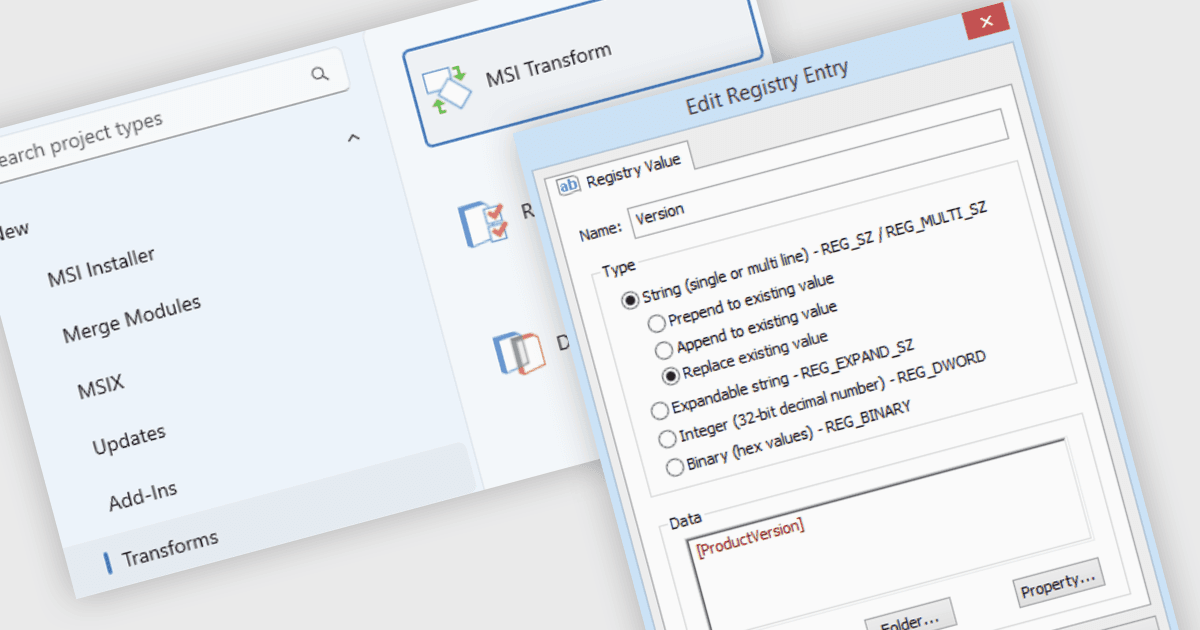
Creating MST transforms allows developers and packaging teams to customize an MSI installation without editing the original package. A transform records changes such as installation paths, feature selections, registry entries and shortcuts, which Windows Installer applies when the MSI and MST are deployed together. Teams can maintain separate configurations for different departments or environments while retaining the same source installer.
Several Deployment & Release Tools support creating MST transforms, including:
- Advanced Installer by Caphyon provides a transform project for loading an existing MSI, making changes through its visual editor and saving those changes as an MST file.
- InstallShield by Revenera creates transforms by comparing an original MSI with a modified package, or by recording edits in a transform project. Response transforms can also capture installation choices such as feature selections and destination folders.
- AdminStudio by Flexera includes Tuner for creating transforms that configure feature states, setup properties, files and registry entries. Its response transform workflow records selections made during a simulated installation for further editing.
For an in-depth analysis of features and price, visit our Deployment & Release Tools comparison.