Customize App Removal with Uninstall Scripts
Windows deployment tools with scriptable uninstallation let developers define cleanup actions and control when they run during software removal.
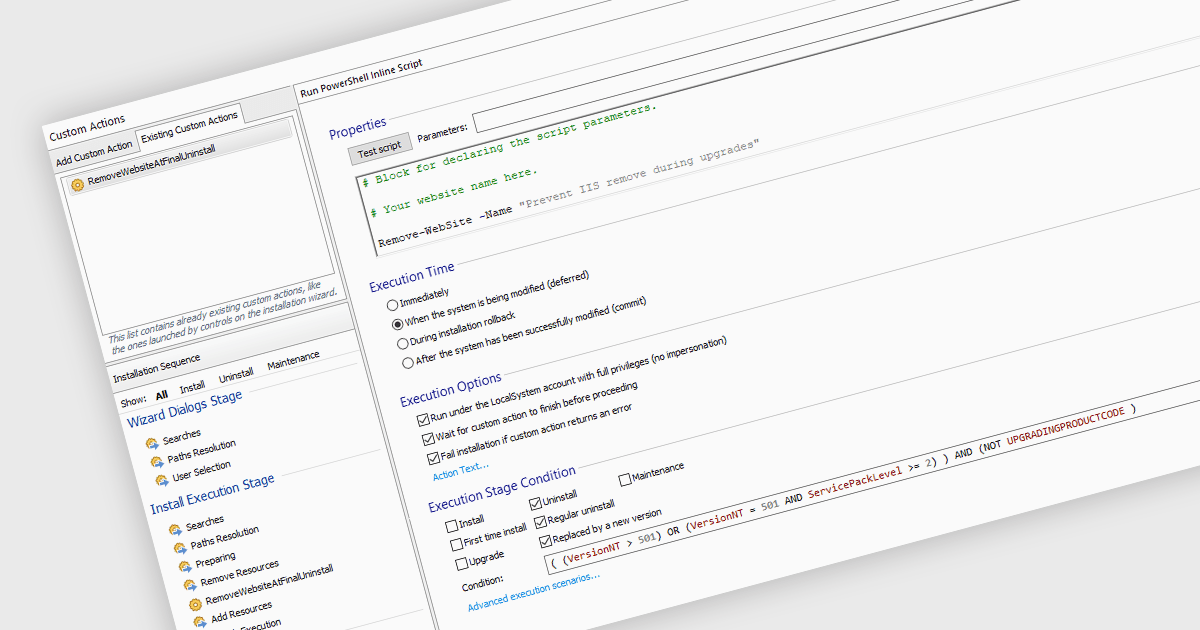
Scriptable uninstallation allows developers to extend an application's removal process with actions tailored to its requirements. Scripts can reverse changes made by custom installation routines, remove temporary resources, or apply conditions that distinguish a regular uninstall from removal during an upgrade. Defining these steps within the installation project helps teams deliver consistent cleanup and handle tasks that the default uninstaller does not cover.
Several Windows deployment and release tools support scriptable uninstallation, including:
- Advanced Installer by Caphyon supports conditional PowerShell custom actions during uninstallation, letting developers distinguish regular application removal from upgrade-triggered removal.
- Setup Factory by Indigo Rose provides uninstall scripting events for preparation, error handling, and cleanup, including actions that run before and after application files are removed.
- InstallShield by Revenera lets developers create InstallScript custom actions that run during uninstallation to reverse changes made by custom installation code and remove associated resources.
For an in-depth analysis of features and price, visit our comparison of Windows deployment and release tools.