Show Data Trends with Angular Sparklines
Add compact charts to tables and dashboards in Angular applications to help users spot trends and understand changes in data at a glance.
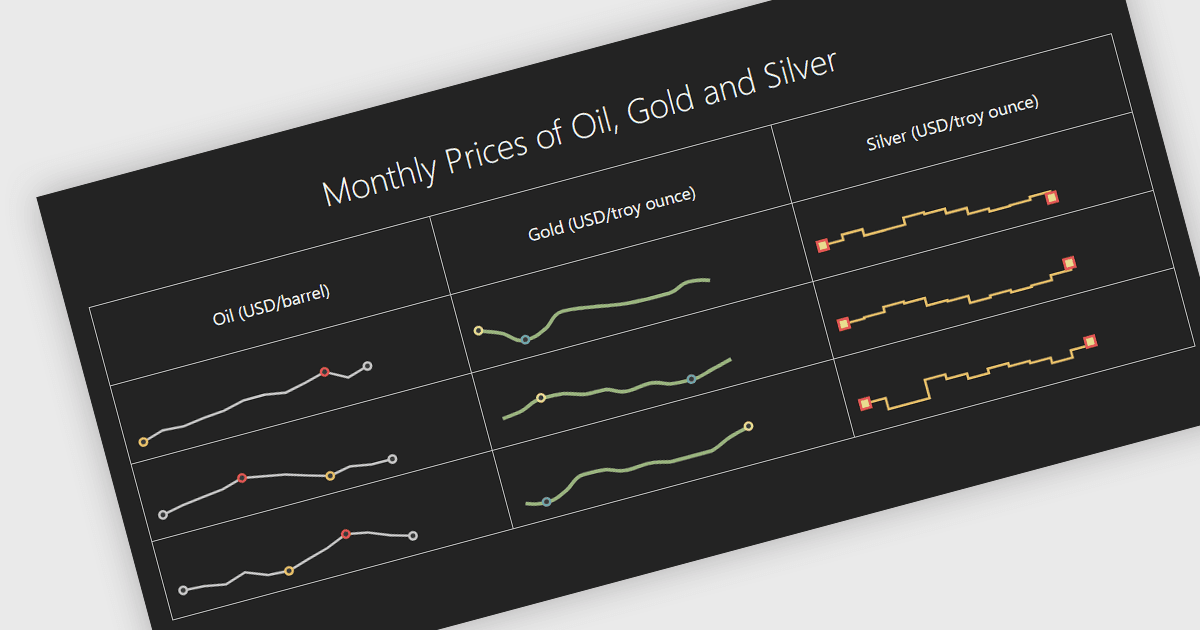
Sparklines summarize a series of values in a small space, helping users identify patterns that a single number cannot reveal. Placed beside sales totals, response times or stock levels, they show whether values have risen steadily, fluctuated or dropped unexpectedly. These compact visualizations make it easier to compare performance and spot unusual changes without opening a separate chart or report. Developers can use sparklines to add historical context to dashboard cards and table rows, giving users a clearer understanding of how data has changed over time while keeping related information together.
Several Angular chart components support sparklines, including:
- DevExtreme Angular Chart by DevExpress provides configurable sparklines with point highlighting and tooltips, allowing developers to show trends and emphasize minimum, maximum, first and last values.
- Kendo UI Angular Charts by Telerik includes an inline Sparkline component with line, bar, column, area, pie and bullet types for embedding visual summaries within text and tables.
- Infragistics Ignite UI for Angular Chart offers a configurable Sparkline component with markers, ranges, trendlines and tooltips to help users interpret compact data series.
- Syncfusion Angular Charts supports line, column, area, win-loss and pie sparklines, with markers, data labels and range bands for highlighting relevant values.
For an in-depth analysis of features and price, visit our comparison of Angular chart components.