Test XPath Queries and Verify Results
Use XPath analysis tools to evaluate expressions against XML documents, inspect matching nodes, and identify issues during development.
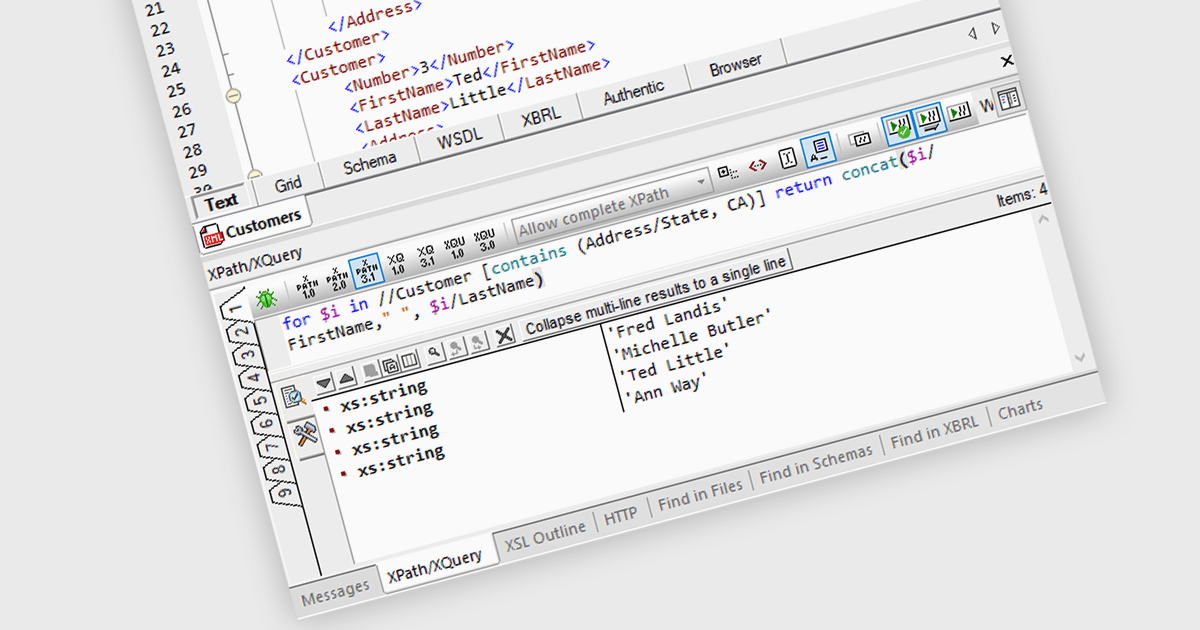
An XPath Analyzer in a Structured Document tool lets developers evaluate expressions against XML documents and inspect the results while editing. Expressions can be re-evaluated after changes to a file without having to re-enter them, making it easier to check that queries select the intended elements and attributes. Testing against representative files can also reveal problems with namespaces, conditions, and document structure, reducing the time spent tracing unexpected results later.
Several Structured Document tools provide XPath analysis, including:
- Oxygen XML Editor by Syncro Soft includes an XPath Builder with syntax checking, content completion, and expression history, allowing developers to reuse queries and highlight matching content in XML documents.
- Altova XMLSpy offers a tabbed XPath Builder and Evaluator that preserves expressions and results, allowing developers to compare queries and re-evaluate them after editing XML files.
- Liquid Studio by Liquid Technologies evaluates XPath expressions as developers type, highlights matching nodes, and provides suggestions based on the active XML document, helping developers check and refine queries during editing.
- Stylus Studio XML lets developers save XPath queries with a project, inspect their results, and navigate from returned nodes to the original XML, making it easier to revisit expressions and verify matching content.
For an in-depth analysis of features and price, visit our comparison of Structured Document tools.