Authenticate Connections with SSH Keys
Use public key authentication for SSH sessions and secure file transfers, supporting automated connections without sending an account password.
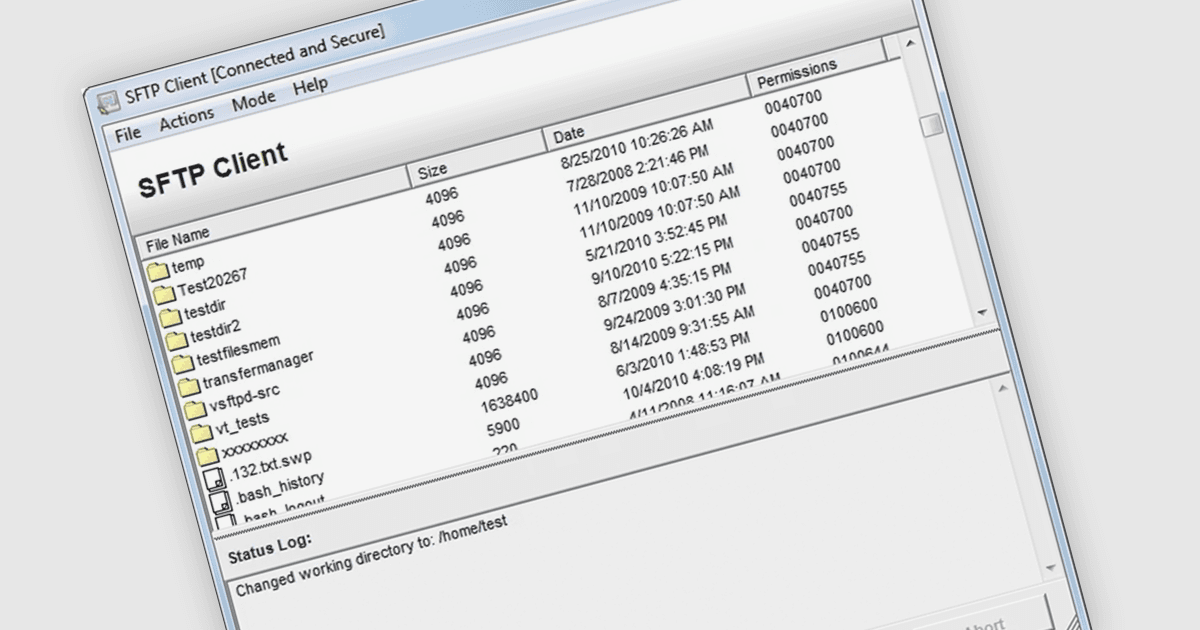
Key based authentication lets an application prove its identity using a cryptographic key pair, with the client holding the private key and the server using the corresponding public key to verify authentication. This can allow .NET applications to perform scheduled file transfers, run remote commands and support other unattended workflows without sending an account password. Developers can load an existing private key or, where supported, use an SSH agent to manage authentication, while protecting stored private keys with a passphrase adds another layer of security.
Several .NET communication and messaging components support key based authentication, including:
- IPWorks SSH by /n software lets developers configure public key authentication for SSH connections, supplying a private key through the component's SSHCert property.
- Xceed SFTP for .NET by Xceed Software loads PuTTY PPK private keys for authentication, with support for using a key alone or alongside password authentication when required by the server.
- Rebex SFTP authenticates with private keys loaded from supported file formats and can delegate authentication to OpenSSH Agent or PuTTY Pageant.
- PowerTCP SSH and SFTP for .NET by Dart Communications supports public key authentication for SSH sessions and SFTP transfers, including loading private keys in OpenSSH and SSH2 formats.
For an in-depth analysis of features and price, visit our comparison of .NET communication and messaging tools.