Highlight Important Values in Vue.js Grids
Apply conditional formatting to flag exceptions, distinguish status values and make large data tables easier to review.
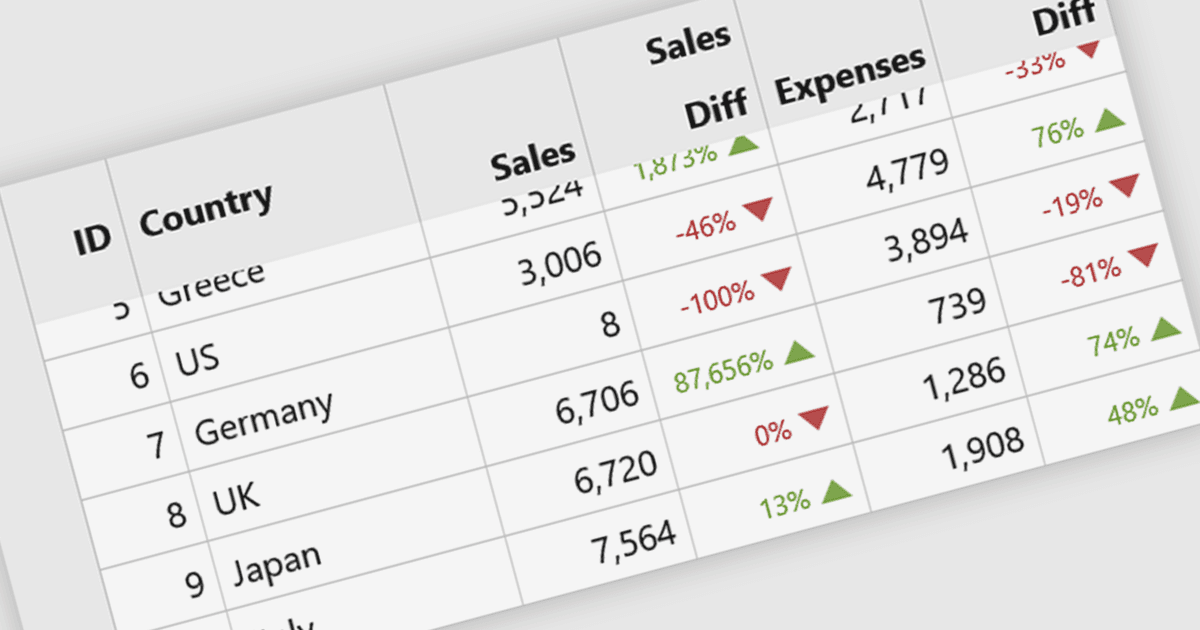
Conditional formatting in Vue.js grids changes the appearance of cells according to their values or conditions defined by the developer. Colors, font styles and indicators can draw attention to overdue orders, negative balances or results outside an expected range. This helps users identify records that need attention while retaining the surrounding data for comparison.
Several Vue.js grid controls support conditional formatting, including:
- Wijmo Vue DataGrid (FlexGrid) by MESCIUS uses its formatItem event to customize cell appearance, including colored percentages and direction indicators that show changes between records.
- Handsontable by Handsoncode lets developers use custom cell renderers to highlight negative numbers, shade empty cells and apply other styles based on cell contents.
- Syncfusion Vue Data Grid supports value-based cell styling through its queryCellInfo event, allowing developers to apply different CSS classes when values meet specified thresholds.
For an in-depth analysis of features and price, visit our Vue.js grid controls comparison.