Apply Consistent Formatting Across Your Codebase
Use Windows IDEs with code formatting tools to apply project conventions and reduce manual changes to indentation, spacing and line breaks.
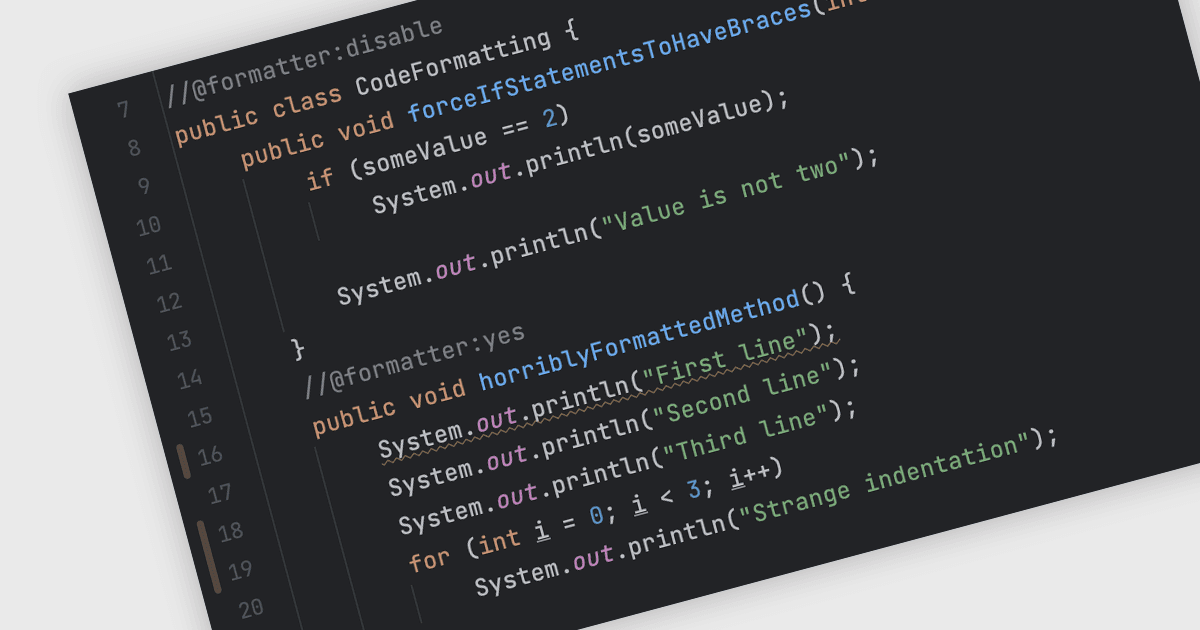
Code formatting tools in integrated development environments (IDEs) help developers keep source files consistent as a project grows and contributions come from different team members. Rather than adjusting whitespace line by line, developers can apply configured rules to selected code, complete files or entire projects, where supported. This is useful when incorporating pasted code, updating older files or preparing changes for review. Shared formatting settings also give contributors a common layout to follow, making it easier to read unfamiliar sections and identify meaningful code changes without being distracted by formatting differences.
Several IDEs support code formatting, including:
- IntelliJ IDEA by JetBrains reformats selected code, files or directories using project code styles or EditorConfig settings, with options to format changed lines automatically on save.
- RAD Studio by Embarcadero formats Delphi and C++ source code using configurable rules for indentation, spacing, line breaks and alignment, applied to a selection, file or project.
- RemObjects Elements supports automatic and manual code formatting in its Fire and Water editors, including indentation adjustments and reformatting selected code or complete files.
- Microsoft Visual Studio applies whitespace conventions through Format Document, using settings from EditorConfig files or the IDE’s text editor options.
For an in-depth analysis of features and price, visit our comparison of IDEs with code formatting support.