Create Interactive PDF Forms in WPF
Generate fillable documents, load existing forms, and save changes to support structured data collection within WPF applications.
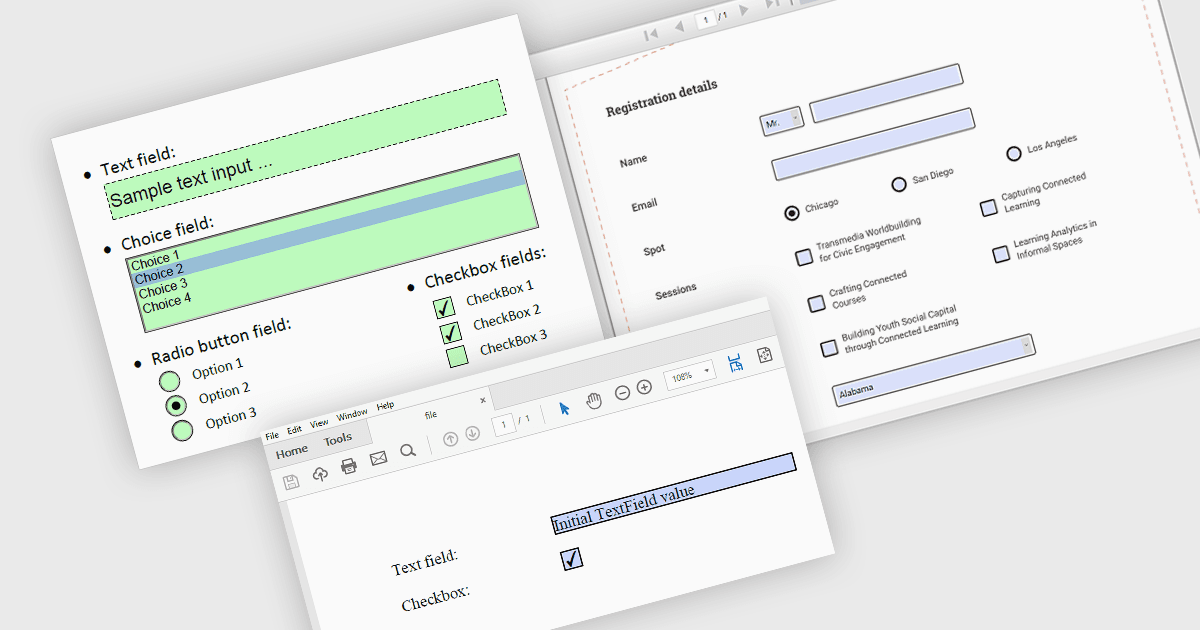
PDF forms, also known as AcroForms, are PDF documents containing interactive fields that allow users or software to enter information and select options. Support for creating, loading, and saving these forms enables WPF applications to work with fillable PDFs that include fields such as text boxes, combo boxes, list boxes, push buttons, checkboxes, radio buttons, and signature fields. Developers can generate new forms, reuse existing templates, and save documents with their field values for later completion or further processing. These capabilities support processes such as customer registration, employee onboarding, and approval requests, with PDF forms managed programmatically within the application.
Several PDF components for WPF support creating, loading, or saving forms, including:
- ComponentOne WPF PDF by MESCIUS creates fillable PDF forms with text boxes, checkboxes, radio buttons, combo boxes, and signature fields for structured data collection.
- Telerik UI for WPF PdfProcessing creates and imports interactive PDF forms, with field types covering text entry, selection controls, buttons, and signatures.
- IronPDF for .NET by Iron Software converts HTML forms into interactive PDF fields and loads existing forms for updating and saving.
- XFINIUM.PDF CROSS-PLATFORM BUNDLE creates, loads, and saves PDF forms, supporting a variety of field types and custom field appearances.
For an in-depth analysis of features and price, visit our comparison of WPF PDF components.