Simplify Value Selection with Vue.js Listboxes
Let users select predefined values from visible lists, reducing manual entry and making available options easier to review.
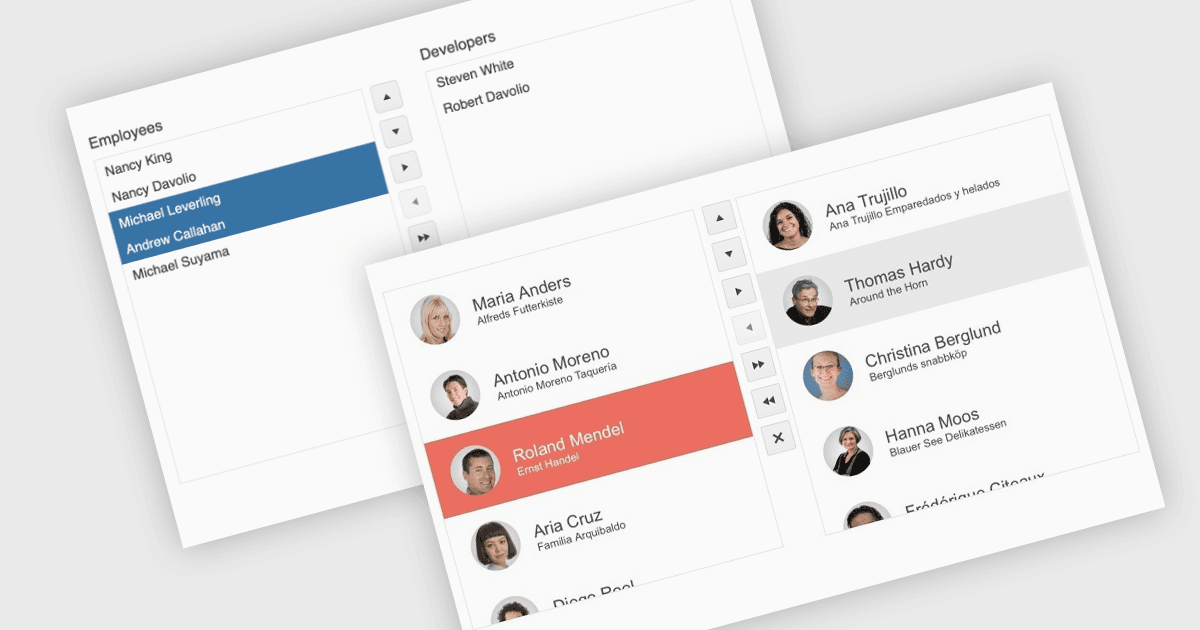
A listbox displays a set of items within a defined area, allowing users to select values without typing them or opening a dropdown. In Vue.js applications, this makes it useful for choosing categories, assigning people or selecting records for further action. Depending on the component, users can select one or several items, navigate with the keyboard or move selections between connected lists. Developers can bind these controls to application data and respond to selection changes while keeping input consistent with the available options.
Several Vue.js data editor collections provide listbox functionality, including:
- DevExtreme Vue Data Editors by DevExpress provides a List component for displaying selectable items, with single and multiple selection modes for managing predefined choices.
- Kendo UI Vue Data Editors by Telerik supports single and multiple selection, with options to reorder items and move them between connected lists.
- Wijmo Vue Data Editors by MESCIUS provides a ListBox component with single and multiple selection modes, keyboard navigation, and data binding to application data.
- Syncfusion Vue Data Editors provides single and multiple selection through mouse or keyboard interaction, with selection events for updating application data.
For an in-depth analysis of features and price, visit our Vue.js data editors comparison.