Make Single-Choice Edits in React Grids
Display radio buttons within grid cells so users can review available options and select a value directly, reducing typing errors and simplifying data entry.
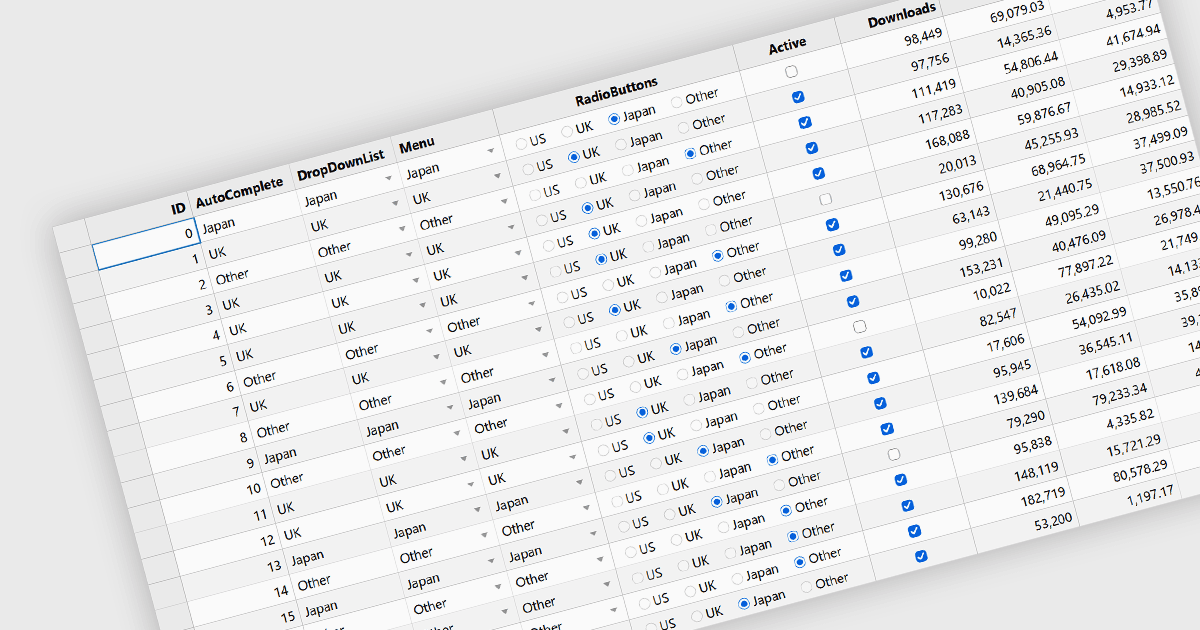
Radio buttons in a grid present predefined choices within a cell, allowing users to select one value for a field in each record. This approach makes small sets of options easy to review, reduces typing errors, and helps maintain consistent values across rows. Keeping choices within the grid also lets users edit records without opening a separate form. Typical uses include assigning task priorities, choosing delivery methods for orders, and recording approval decisions when reviewing multiple records.
Several React grid components provide you with radio buttons, including:
- Wijmo React DataGrid (FlexGrid) by MESCIUS provides a radio button editor for data-mapped columns, displaying available choices within cells with mouse and keyboard support.
- Jspreadsheet Pro includes a native radio editor that can be configured at column or cell level, supporting radio button input within React data grids.
- SmartClient by Isomorphic Software lets developers configure radio group editors for editable grid fields in React applications, allowing users to select one predefined value during cell editing.
- ZingGrid provides a radio column type that displays predefined radio options when a cell is edited, allowing users to select one value in React applications.
For an in-depth analysis of features and price, visit our comparison of React grid components.