Build Angular Charts from CSV Data
Use CSV files as chart data sources to visualize spreadsheet data and system reports in Angular applications.
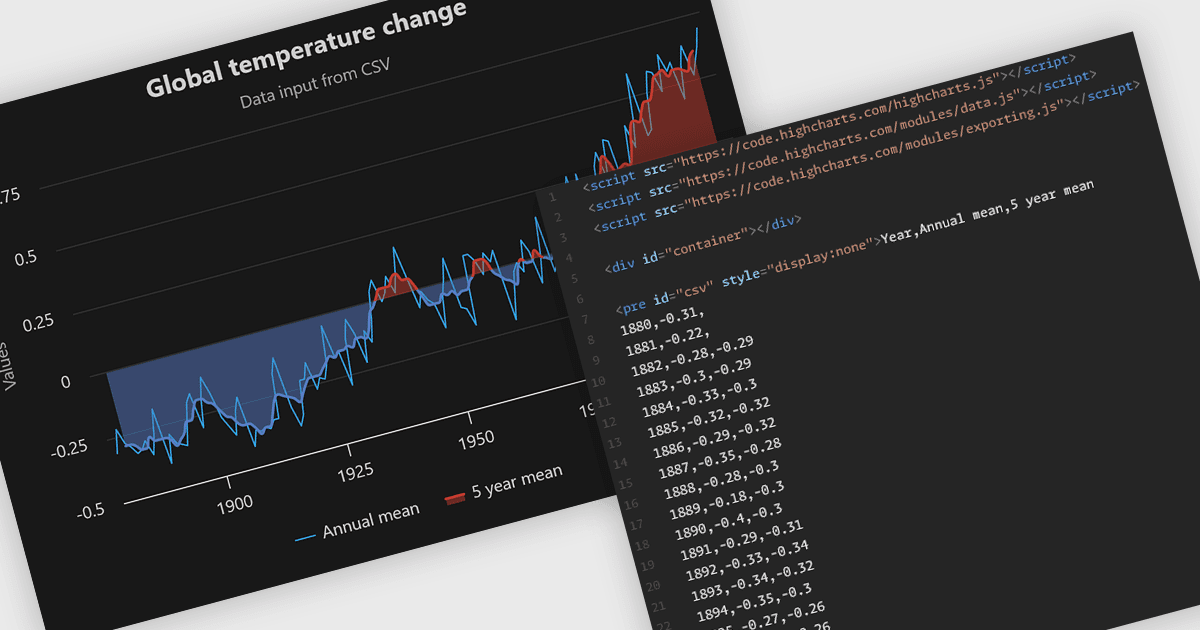
CSV data sources let Angular chart controls read values stored in comma-separated text files and use them to populate chart series. This provides a practical way to display sales figures, measurements or other tabular records exported from existing systems. Developers can map columns to categories and values, handle dates and numbers, and refresh charts when updated data becomes available. Reusing these files reduces the need to enter chart values manually or maintain separate datasets for visualization.
Several chart controls compatible with Angular support CSV data sources, including:
- Highcharts Core by Highsoft loads CSV strings or files through its Data module, with options for selecting rows and columns and mapping data to series.
- amCharts 5: Charts includes a CSV parser with configurable delimiters and column names, alongside data processing for numeric and date fields.
- AnyChart JS provides a data adapter for loading CSV files, allowing developers to populate charts from external tabular data within Angular applications.
For an in-depth analysis of features and price, visit our Angular chart controls comparison.