Explain Spreadsheet Data with Cell Comments
Add context to ASP.NET Core spreadsheets with cell comments and tooltips that explain values, clarify calculation assumptions and capture feedback.
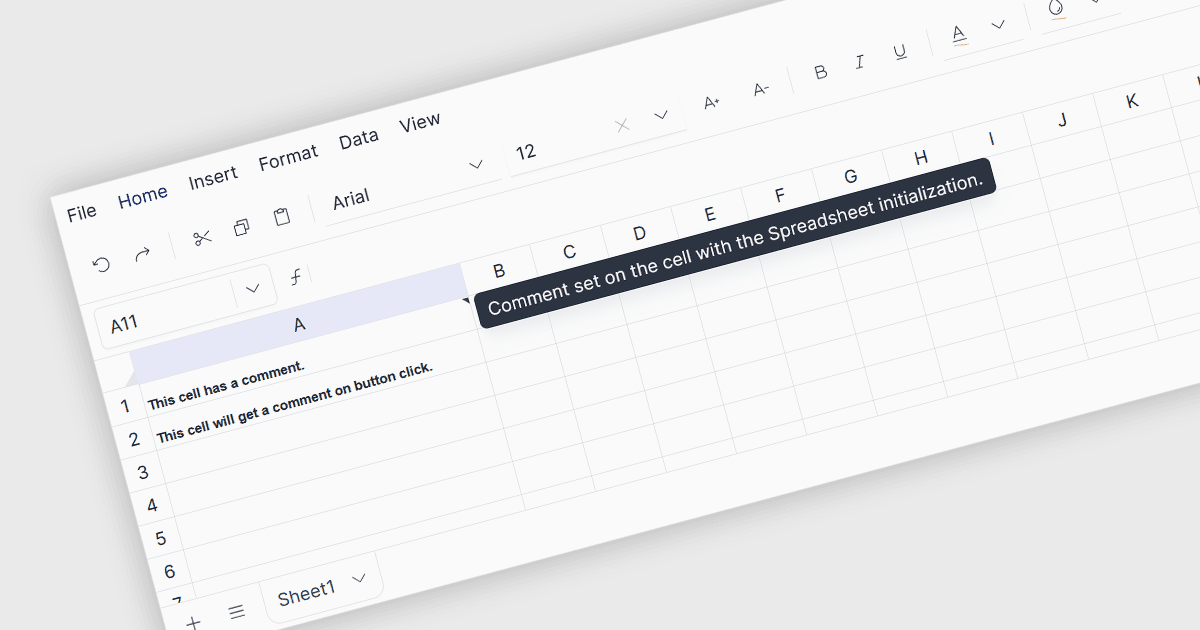
Cell comments and tooltips provide contextual information about individual spreadsheet cells without changing their values or cluttering the worksheet. They can explain formulas and calculation assumptions, identify data sources, describe images, provide validation instructions or clarify exceptions in reports. Displayed when users hover over or otherwise interact with a cell, these explanations help reduce data-entry errors and misinterpretation. Keeping guidance and reviewer feedback alongside the relevant data supports collaboration, preserves knowledge and helps new users understand shared spreadsheets, reducing reliance on separate documentation and making complex worksheets easier to maintain.
Several spreadsheet components support cell comments in ASP.NET Core applications, including:
- DevExpress ASP.NET Core Spreadsheet allows users to add and edit cell comments to explain worksheet data and assumptions.
- Aspose.Cells provides APIs for adding cell comments and customizing their text, dimensions and font settings when generating Excel workbooks.
- Telerik UI for ASP.NET Core Spreadsheet lets developers configure comments for individual cells when initializing a worksheet.
- Syncfusion ASP.NET Core Spreadsheet Editor SDK supports hover previews, threaded replies and options to resolve or reopen comment discussions.
For an in-depth analysis of features and price, visit our comparison of ASP.NET Core spreadsheet components.