Find MSI Package Issues Before Deployment
Run consistency checks on Windows Installer packages to identify database errors and investigate warnings before distributing software.
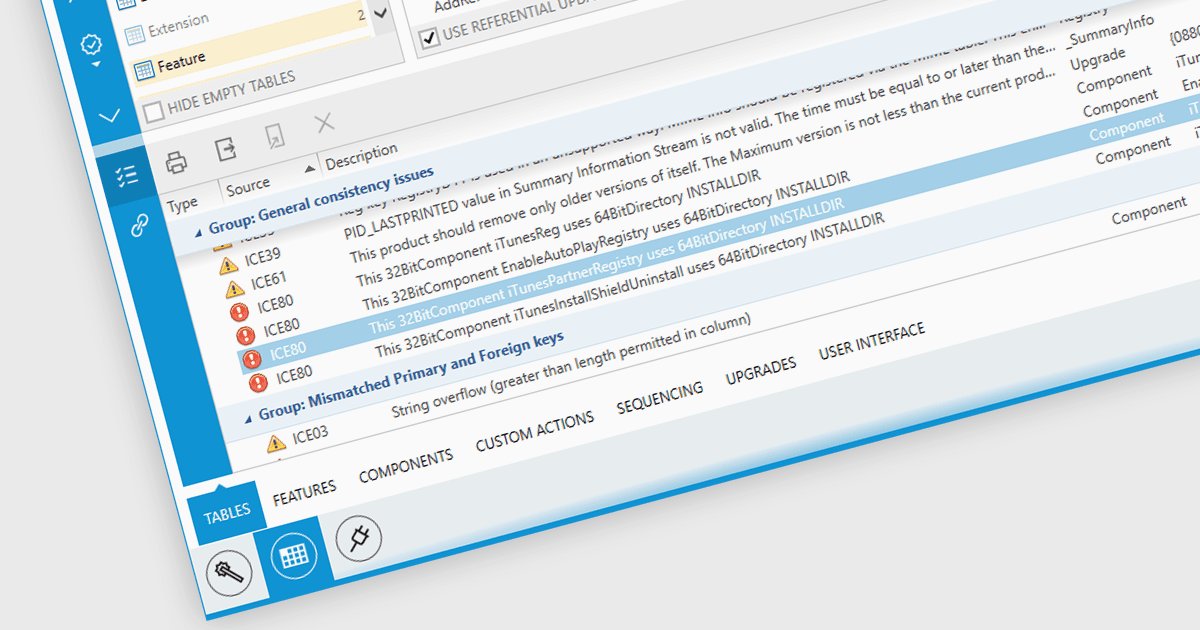
MSI package validation examines an installer’s database against Internal Consistency Evaluator (ICE) rules. These checks can reveal problems with table relationships, component definitions and other package data that may affect installation or maintenance. Validation results give packaging teams specific issues to investigate, helping them correct the package and repeat the checks before deployment. This provides a structured review step when preparing new installers or modifying existing packages.
Several Windows deployment tools support MSI package validation including:
- Advanced Installer by Caphyon can run a selected ICE validation file during the MSI build process and display reported issues for review.
- RayPack Studio by Raynet displays ICE errors and warnings in a results panel, with links to the affected table cells to help users investigate and correct package data.
- AdminStudio by Flexera provides MSI package validation through Application Manager, supporting checks before, during or after packages are imported into the application catalog.
For an in-depth analysis of features and price, visit our Windows deployment and release tools comparison.