Review and Commit Code in Your IDE
Use integrated Git tools to compare file versions, review edits, select related changes, and document your progress with commits, all within your IDE.
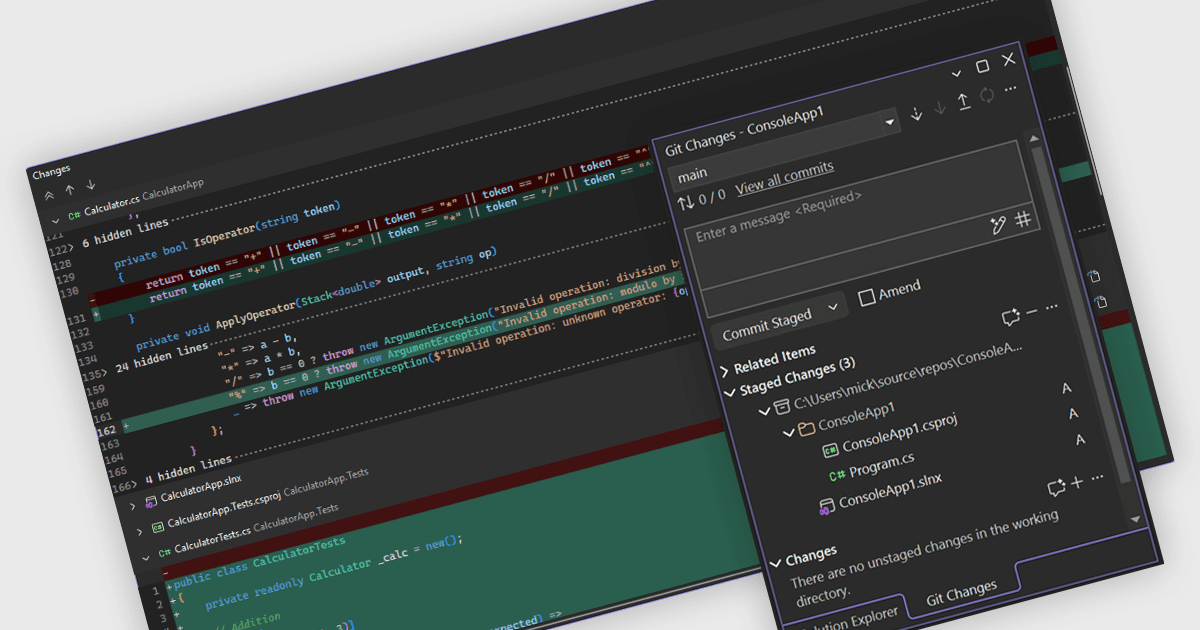
Git integration brings source control into IDEs, helping developers review their work before sharing it. File comparisons show what has changed, while commit tools let developers select related edits and describe their purpose. This supports everyday tasks such as separating a bug fix from unfinished work, checking changes before a commit, and retrieving updates from a shared repository. Keeping these operations within the development environment reduces the need to switch applications during code review and maintenance.
Several IDEs provide integrated Git support, including:
- IntelliJ IDEA by JetBrains lets developers compare local edits with repository versions and commit selected code changes, leaving unfinished edits for a later commit.
- RAD Studio by Embarcadero provides Git history and file comparisons through its History Manager, alongside commands for cloning, committing, pulling, and pushing changes.
- Microsoft Visual Studio displays modified and staged files in its Git Changes window, with line-by-line comparisons to help developers review the contents of a commit.
For an in-depth analysis of features and price, visit our IDEs comparison.