Simplify Spreadsheet Calculations in WinForms
Use built-in formulas and functions in WinForms spreadsheets to calculate totals, compare values, and automatically update results as data changes.
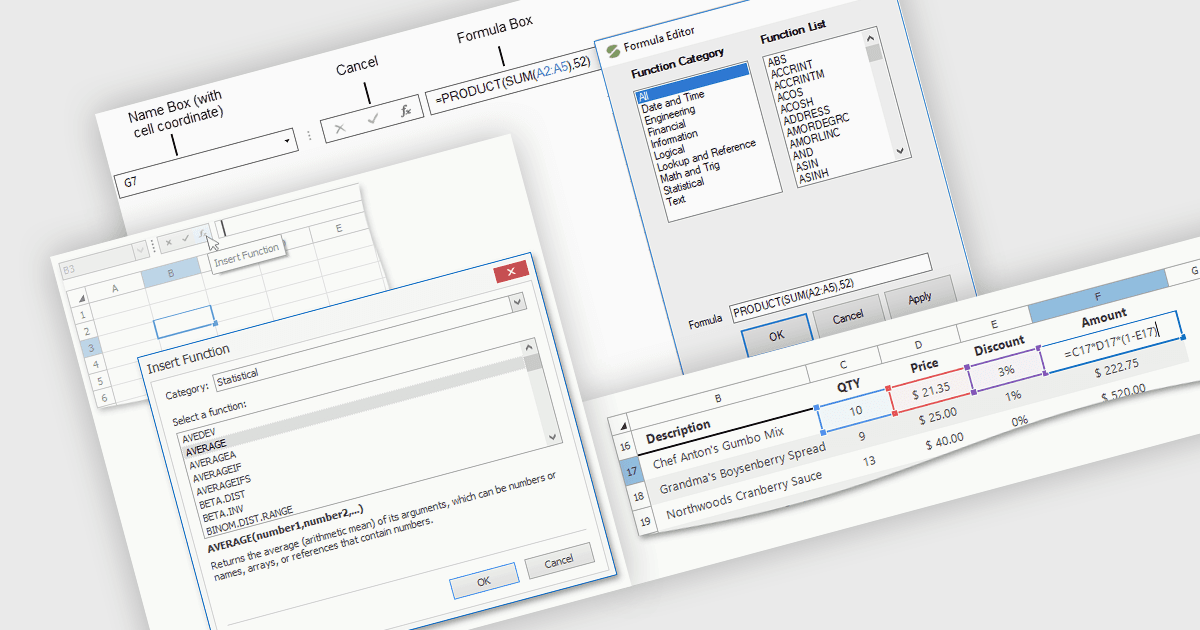
Formula and function support enables spreadsheet applications to perform mathematical, statistical, financial and logical calculations using cell references, operators, and predefined functions. Developers can support tasks such as calculating invoice totals, comparing actual spending against budgets, or summarizing sales figures without writing separate calculation logic for each worksheet. Users can enter formulas alongside their data, keeping calculations visible and available for review as requirements change.
Several WinForms spreadsheet components support formulas and functions, including:
- DevExpress WinForms Spreadsheet supports built-in functions for aggregating data, analyzing figures, and evaluating conditions, with a formula bar and dialogs for entering functions and their arguments.
- Spread.NET by MESCIUS provides a Formula Editor in Spread Designer that groups built-in functions by category, describes the selected function, and validates formulas when users apply them.
- Telerik UI for WinForms Spreadsheet offers built-in functions covering logical, text, date and time, and mathematical calculations within its spreadsheet editor.
- Syncfusion WinForms Spreadsheet Editor SDK includes a calculation engine for formulas, expressions, and cross-sheet references, with named ranges for more readable calculations.
For an in-depth analysis of features and price, visit our comparison of WinForms spreadsheet components.