Visualize Connections in ASP.NET Core
Use diagram components to display workflows, organizational structures and connected data directly in web applications.
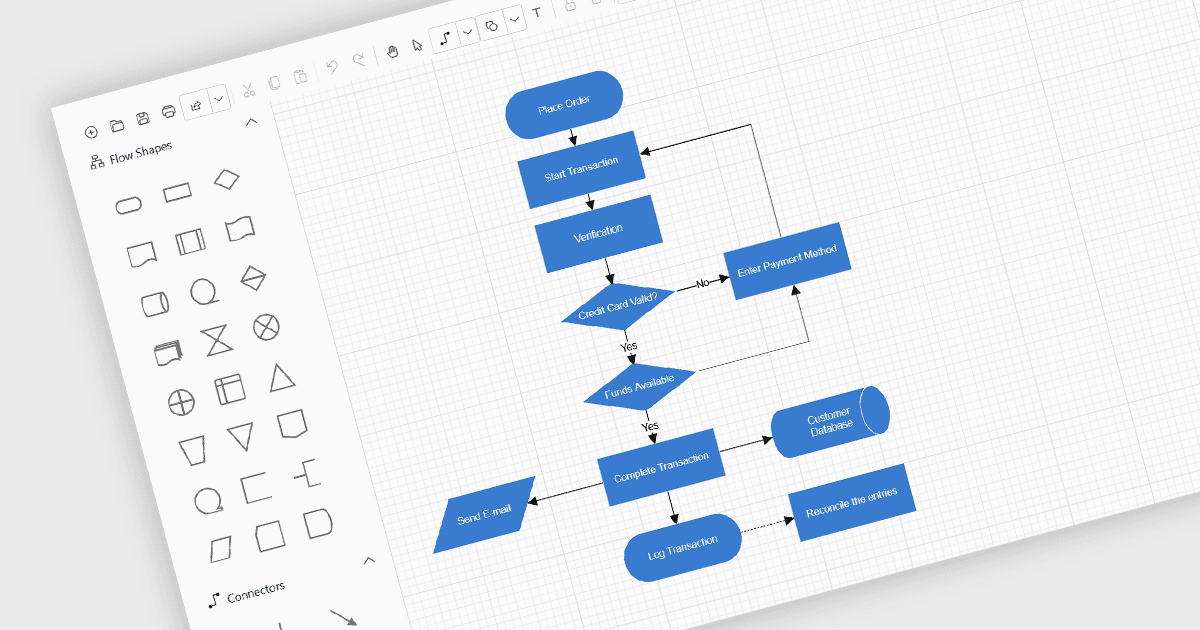
Diagram controls use shapes and connectors to show how steps in a process, people in an organization, or parts of a system relate to one another. They can display decision paths in an approval workflow, reporting lines in an organizational chart, or dependencies between services. Automatic layouts can arrange items into a hierarchy or across layers, making complex relationships easier to follow. Where editing is enabled, users can drag shapes into place and reconnect them as the process or structure changes. Developers can also place diagrams alongside forms and grids so users can review the visual overview and its supporting details in the same application.
Several UI suites support diagrams in ASP.NET Core applications, including:
- DevExpress ASP.NET Core provides a Diagram control with customizable shapes and connectors, data binding, and automatic tree and layered layouts for arranging connected information.
- Telerik UI for ASP.NET Core includes a Diagram control with configurable shapes and connectors for visualizing relationships between items and organizing hierarchical data into tree layouts.
- Nevron Vision for .NET includes a Diagram control for creating flowcharts and organizational charts with automatic graph and tree layouts.
- Syncfusion Essential Studio Enterprise includes an ASP.NET Core Diagram control with predefined flowchart shapes, configurable connectors, and a drag-and-drop symbol palette.
For an in-depth analysis of features and price, visit our comparison of ASP.NET Core UI suites.