Verify Installer Origin with Digital Signatures
Sign Windows installation packages so recipients can verify the publisher's identity and check whether the signed content has changed.
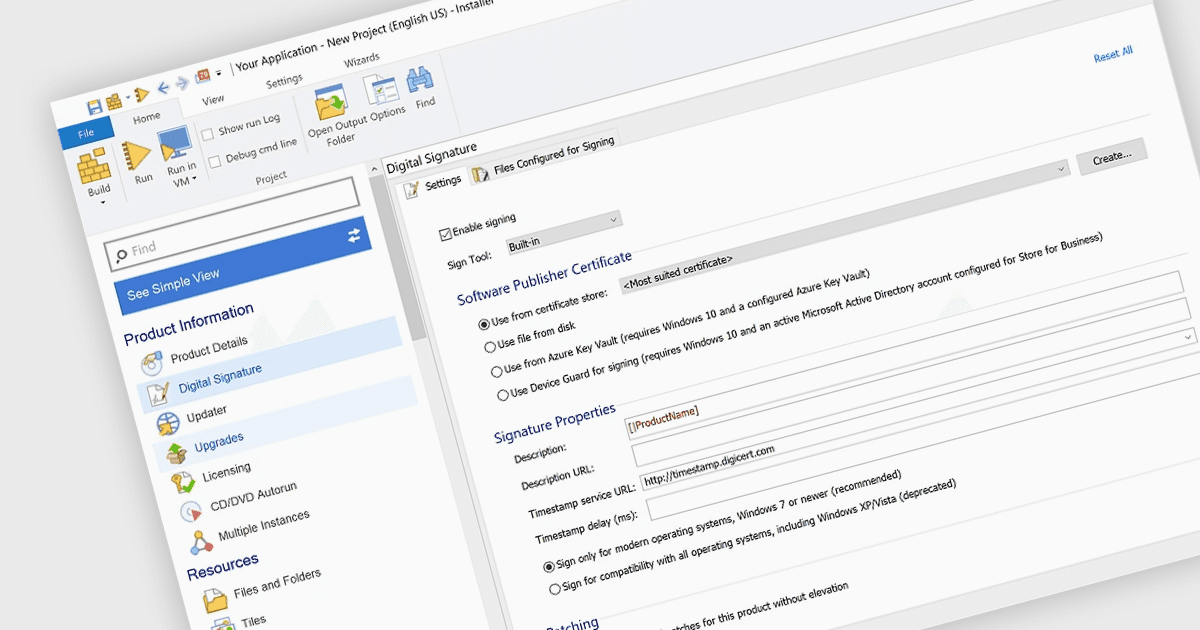
A digital signature ties an installation package to the publisher's code-signing certificate. When Windows verifies the signature, it checks that the certificate chains to a trusted root and that the signed content matches what the publisher signed. Adding signing to the build process lets release teams apply the same settings to each build. Depending on the tool, teams can also sign a bootstrapper, an uninstaller or selected application files. A trusted timestamp records when the signature was applied and can allow it to remain verifiable after the signing certificate expires.
Several Windows deployment and release tools support digital signatures, including:
- Advanced Installer by Caphyon can sign EXE and MSI installers, MSP patches and external CAB files at build time, along with selected files in the package.
- Setup Factory by Indigo Rose can sign setup and uninstall executables at build time, with options to timestamp signatures or use a custom signing tool.
- RayPack Studio by Raynet can automatically sign MSI packages and their associated CAB files after each build, using the signing settings in the active profile.
- InstallShield by Revenera can sign the installation package, Setup.exe and other files at build time, using signing criteria configured separately for each release.
For an in-depth analysis of features and price, visit our comparison of Windows deployment and release tools.