Check XML Structure Against DTD Rules
Use DTD validation in Windows document tools to identify missing elements, invalid attributes and incorrect content order before processing XML.
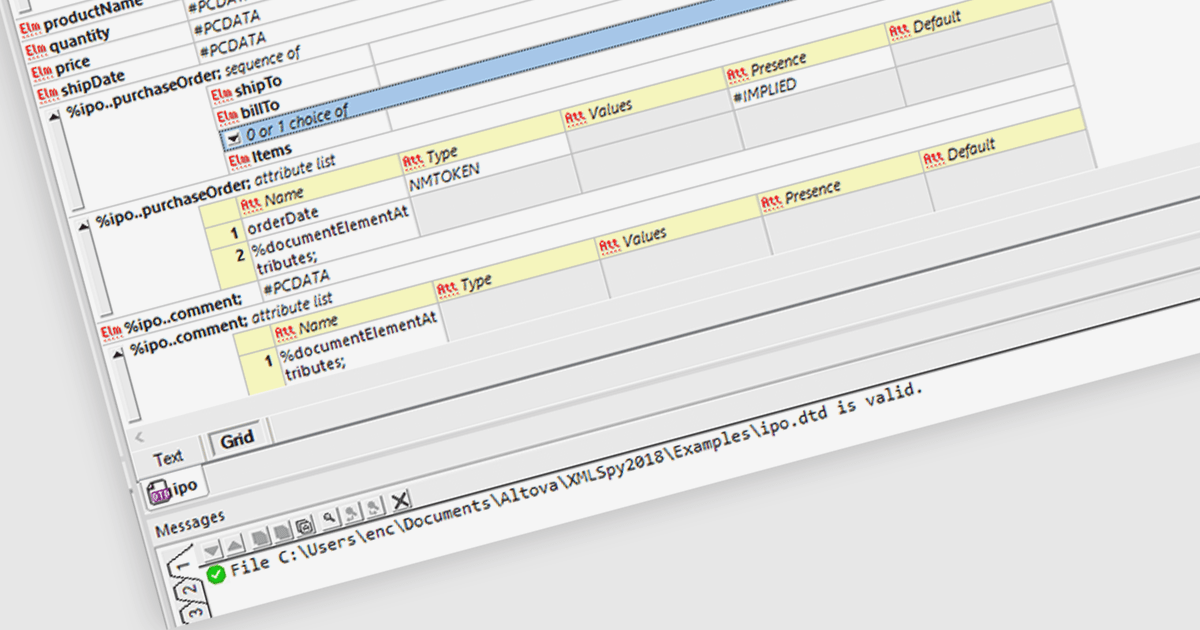
A Document Type Definition (DTD) defines the elements, attributes and content structures permitted in an XML document. Validating against these rules helps authors detect problems that a basic syntax check would miss, such as a missing required element or an unexpected child element. Windows structured document tools bring this checking into the editing workflow, helping teams maintain consistent XML for publishing, document exchange and systems that depend on established DTD-based formats.
Several Windows structured document tools support DTD validation, including:
- Oxygen XML Editor by Syncro Soft checks document markup against an associated DTD and presents validation errors in a results panel for investigation.
- Altova XMLSpy validates XML against associated DTDs, reports errors in its Messages window and provides links to the affected document locations.
- Liquid Studio by Liquid Technologies supports DTD validation through Microsoft .NET and Xerces validators, displaying errors within the document and in an error window.
- Stylus Studio XML validates documents against internal or external DTDs, with a choice of validation processors for checking compatibility with different XML environments.
For an in-depth analysis of features and price, visit our comparison of Structured Document tools.