Simplify Numeric Input with JavaScript Trackbars
Let users adjust values along a visual scale, with defined limits and increments for consistent data entry.
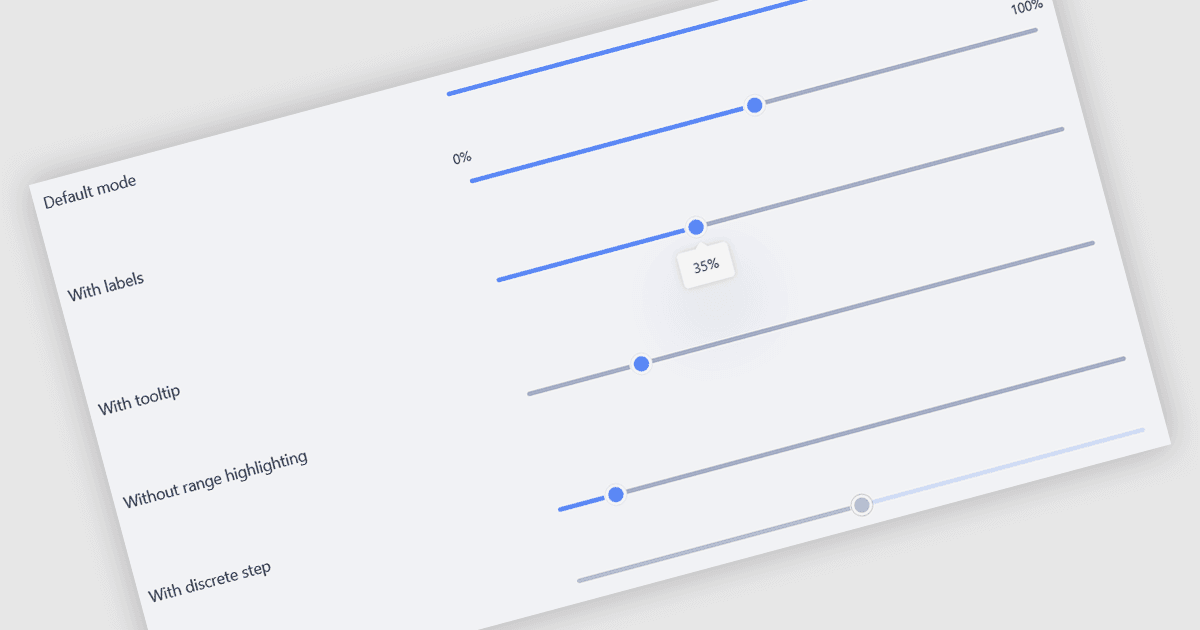
A trackbar or slider, lets users select a numeric value by moving a handle along a track. Its position shows where the selection falls between the minimum and maximum, making it useful for settings such as volume, brightness, percentages and performance thresholds. JavaScript data editors can combine this visual input with labels, tooltips and configurable steps, helping users explore different values while keeping selections within the application’s permitted bounds.
Several JavaScript data editor collections support trackbars, including:
- DevExtreme jQuery Data Editors by DevExpress provides a trackbar with configurable bounds, step intervals, labels and tooltips, plus options to update values during dragging or after releasing the handle.
- Kendo UI jQuery Data Editors by Telerik includes a trackbar for selecting numeric values, with configurable appearance and direction for different input layouts.
- Syncfusion JavaScript Data Editors offers single-value trackbars with customizable ticks, tooltips and step intervals, supporting horizontal and vertical layouts.
- Smart UI Data Editors for JavaScript by Smart HTML Elements provides a trackbar component whose value can be configured through JavaScript or HTML attributes, with a draggable thumb for adjusting the selection.
For an in-depth analysis of features and price, visit our JavaScript data editors comparison.