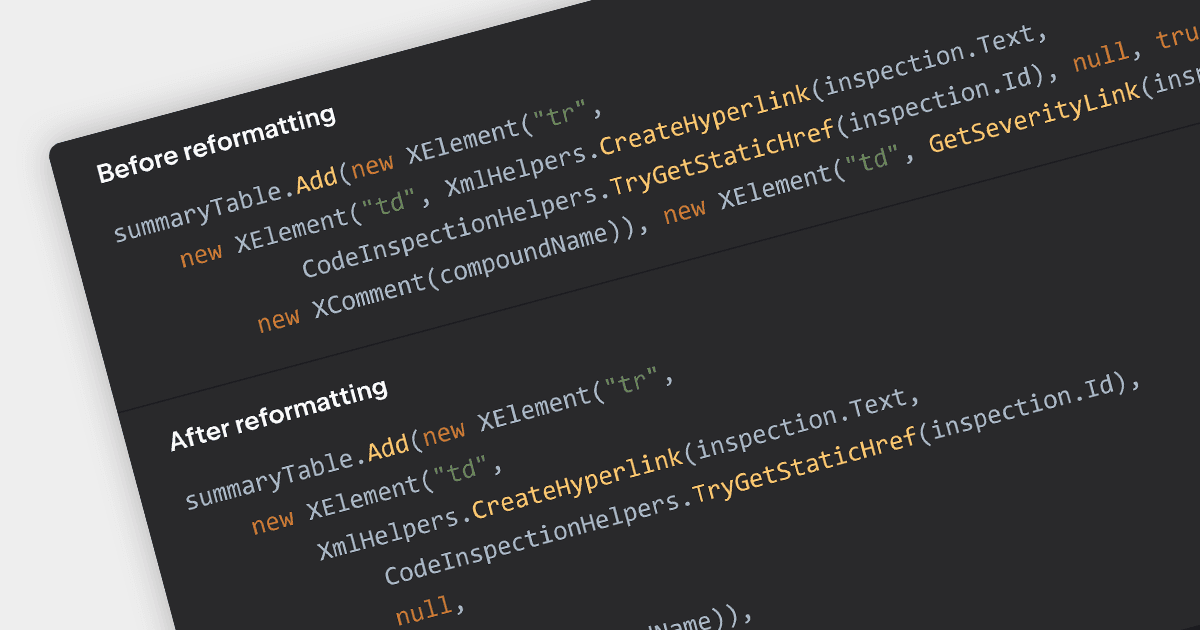
用代码格式化增强了工作效率

12月 20, 2023
自动应用一致的缩进、间距和对齐规则,以增强代码的可读性、可维护性和协作性。

继续用英语阅读:

Consistent code formatting makes code clearer and easier to understand, allowing teams to focus on function rather than fighting inconsistencies. Many IDEs enhance productivity by offering auto-formatting, saving time, preventing indentation issues and highlighting syntax errors as you type. This leads to a more robust codebase, ready for version control with clear diffs and minimized merge conflicts. Beyond individual developers, formatting empowers the entire team through streamlined code reviews and improved communication.

Several IDEs incorporate code formatting features including:

  • Rider by JetBrains offers smart indent and code style detection for C#, VB.NET, and more.
  • Delphi Enterprise by Embarcadero provides automatic code formatting and syntax highlighting for Pascal-based languages, reducing visual clutter and errors.
  • EiffelStudio by Eiffel Software contains built-in formatting rules ensuring indentation, braces and spacing adhere to best practices.
  • Visual Studio Enterprise by Microsoft includes customizable code formatting profiles for C#, C++, and other languages, improving readability and collaboration.

For an in-depth analysis of features and price, visit our IDEs comparison.

Compare IDEs