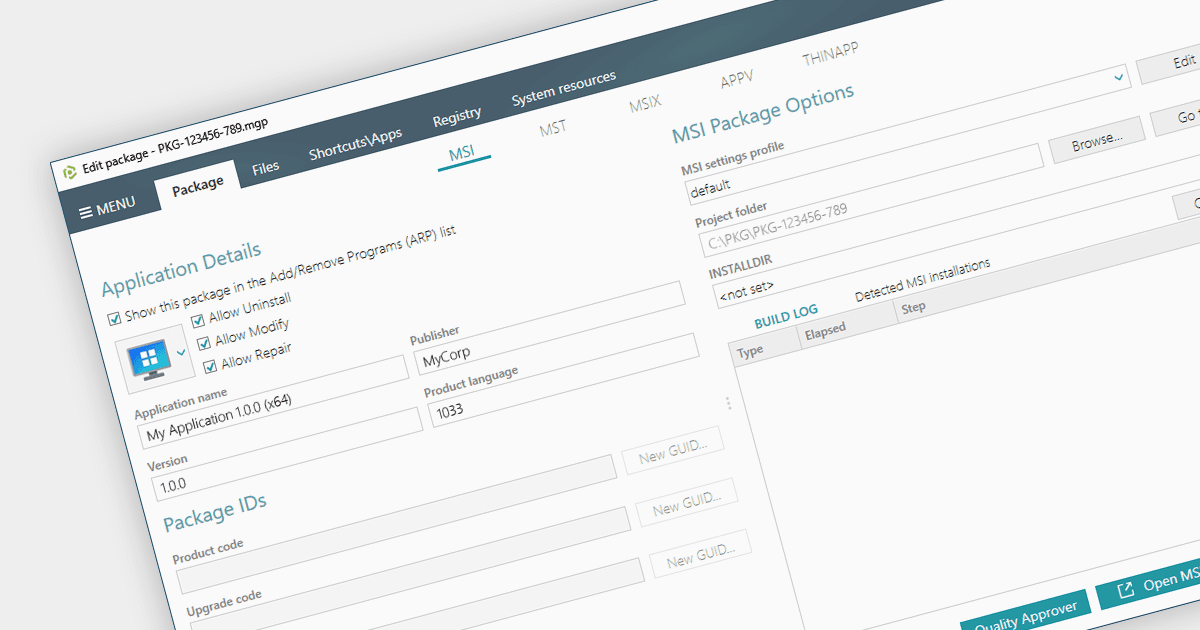
将安装程序从 EXE 转换为 MSI

12月 28, 2023
利用 MSI 安装程序格式,使安装更安全、更易于管理。

继续用英语阅读:

Converting an EXE to an MSI provides a wealth of benefits for system administrators. Forget manual installations across countless devices - MSIs integrate seamlessly with management tools, automating deployment and silent installs. MSIs also track every change, allowing you to easily roll back or uninstall with a single click. Security gets a boost too, with granular permissions and dependency checks ensuring only authorized components are allowed onto your systems. Centralized management means you can store and manage all your MSIs in one place, making software updates and license distribution easier than ever.

Several installation tools provide EXE to MSI conversion including:

  • PACE Suite by Infopulse simplifies software management with powerful tools to convert EXEs to MSIs, enabling effortless installs and quick rollbacks.
  • RayPack Studio by Raynet boosts IT efficiency by automating EXE-to-MSI conversions, bringing agility and control to your network.
  • Advanced Installer Enterprise by Caphyon lets you take charge of software installations with precise EXE-to-MSI conversions, offering fine-grained control and flexibility.
  • Master Packager helps you control software installation with automated EXE-to-MSI conversions, empowering automated installs and foolproof rollbacks.

For an in-depth analysis of features and price, visit our Windows Installation Tools comparison.

Compare Windows Installation Tools