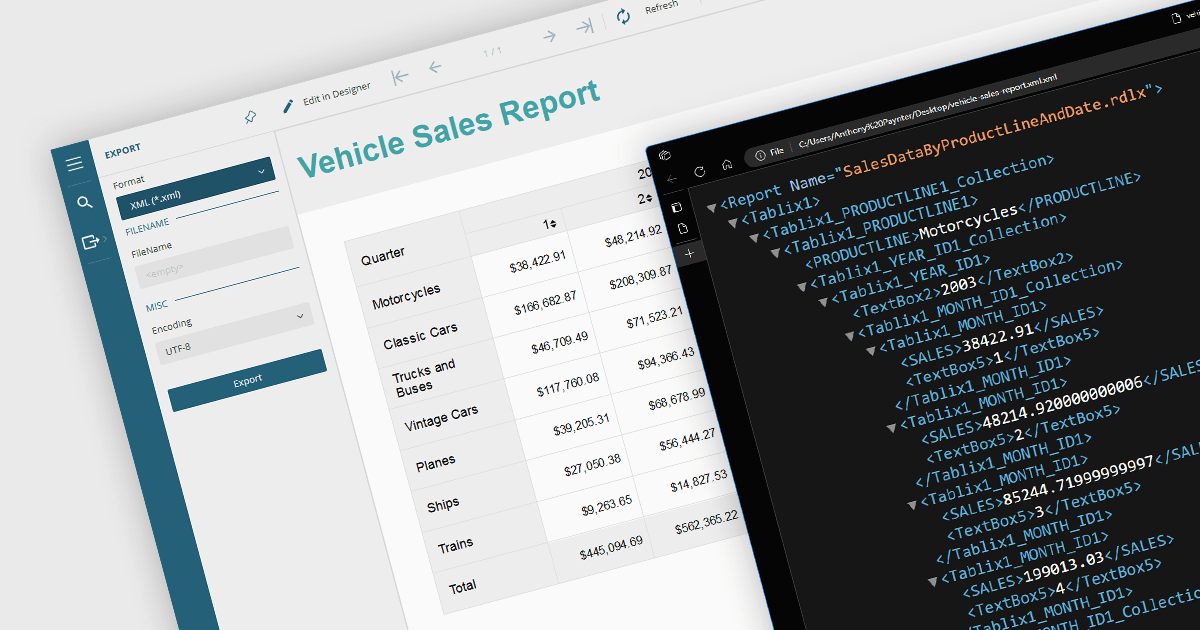
用 XML 导出简化报表管理

1月 2, 2024
通过利用具有内置 XML 导出功能的 WinForms 报表控件,提高您的数据交换效率并保护数据完整性。

继续用英语阅读:

Exporting reports to XML offers several benefits. Firstly, its structured format makes it easy to share and integrate with various applications and platforms regardless of their operating system or software. This flexibility fosters seamless data exchange and analysis across different systems. Secondly, XML's clear tags and hierarchy simplify data manipulation and transformation, allowing for easier filtering, sorting, and restructuring of report data. Additionally, XML's compact nature often translates to smaller file sizes, making it efficient for storage and transmission. Overall, XML export empowers users with greater flexibility, interoperability, and data manipulation compared to traditional formats, unlocking valuable insights from their reports.

Several .NET WinForms reporting controls offer XML export including:

  • ActiveReports.NET by MESCIUS lets you dive deeper into data analysis with dedicated XML rendering extensions and fine-grained output control.
  • FastReport .NET streamlines data exchange with effortless XML report export and seamless integration into existing workflows.
  • Stimulsoft Reports.Net unlocks flexible data sharing and manipulation through rich XML report representations and comprehensive customization options.
  • List & Label Enterprise Reporting Edition by combit bridges the gap between reporting and other applications via robust XML data extraction and conversion tools.
  • SharpShooter Reports.Professional by Perpetuum Software empowers data-driven decisions with XML export features and flexible data structures for in-depth analysis.

For an in-depth analysis of features and price, visit our .NET WinForms reporting comparison.

Compare .NET WinForms Reporting Controls