将扫描文档转换为可编辑文件
PEERNET Image Printer 产品获得 OCR 功能,使扫描的 PDF 和图片能够轻松转换为可检索且可编辑的文件。
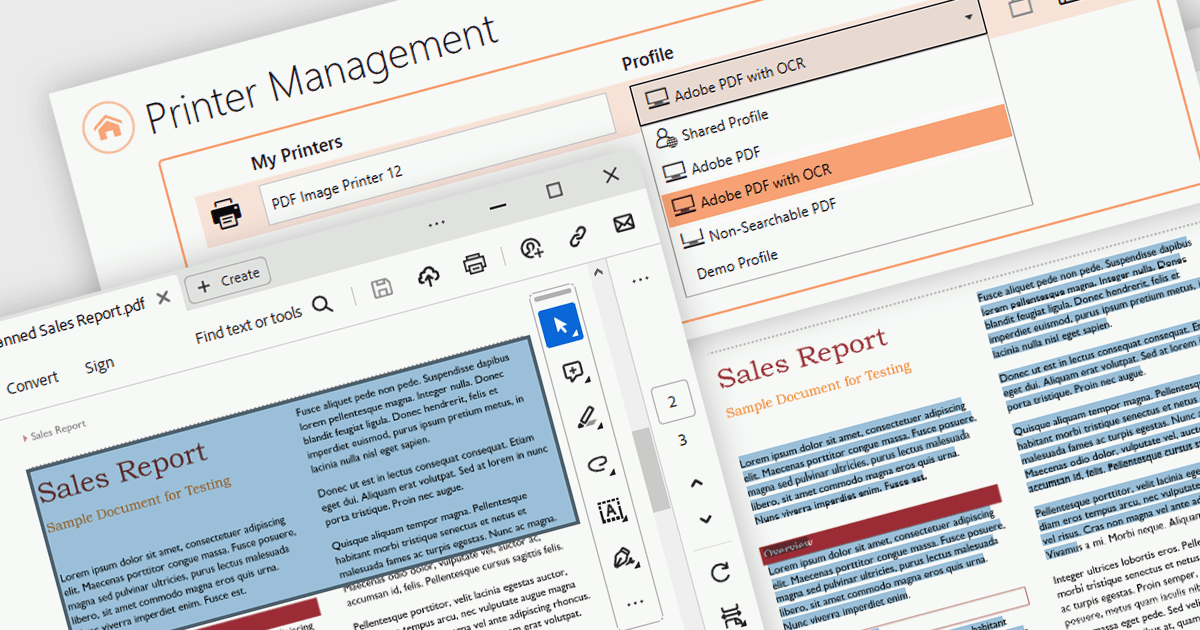
PEERNET 为 Windows 提供三款强大的虚拟打印机驱动程序:Raster Image Printer、PDF Image Printer 和 TIFF Image Printer。这些驱动程序绕过物理打印,能够将几乎任何文件格式无缝转换为高保真图像或 PDF。三款驱动均可轻松整合到现有工作流中,并可通过标准打印流程访问。只需在日常打印过程中选择所需的驱动程序,您的文件就会被转换为相应格式。
三款虚拟打印机的最新 v12.0.020 版本新增了 OCR(Optical Character Recognition,光学字符识别) 功能。这是一项重大进步,可让您轻松将打印和扫描得到的文档图像转换为可检索且可编辑的文件。当您将扫描得到的 PDF 文件打印到 PDF Image Printer 时,OCR 会将文本以不可见图层的形式添加到各页面中,您可以搜索和复制。当使用 TIFF Image Printer 和 Raster Image Printer 创建 TIFF、PNG、JPEG 以及其他图像时,您可以使用光学字符识别功能提取文本,生成数字 hOCR、文本和 ALTO 文件。
要查看版本 12.0.020 的完整更新内容,请参阅各产品的发布说明:
- PDF Image Printer 12.0.020 版本发布说明
- Raster Image Printer 12.0.020 版本发布说明
- TIFF Image Printer 12.0.020 版本发布说明
PEERNET 虚拟打印机提供多种许可证选项,包括按用户计费、无限用户、终端服务器、OEM 等。详情请参阅我们的授权页面:
如需更多信息,请访问我们的产品页面: