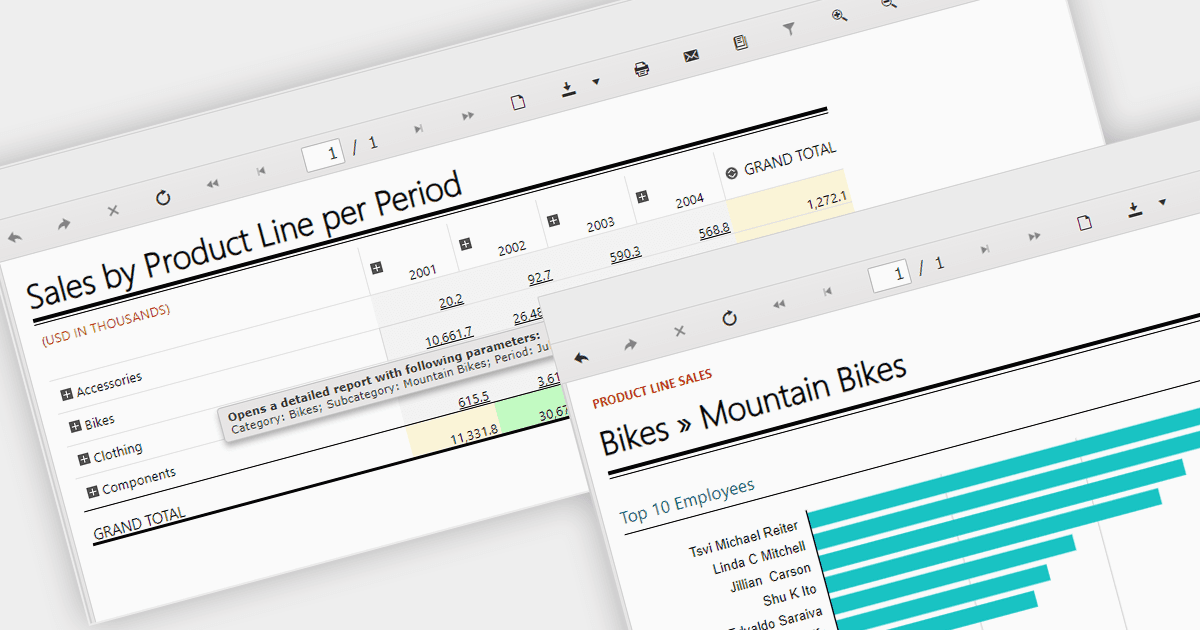
用向下钻取报表解锁数据洞察

1月 31, 2024
支持向下钻取的 WinForms 报表组件使用户能够浏览汇总数据、发现详细信息并获得可操作的见解。

继续用英语阅读:

Report drill down functionality allows users to explore deeper into summary data and discover detailed information. For a report showing sales by product category, visitors could click on a category to view a breakdown of individual products, and then drill down even further, by brand or model. This interactive capability promotes a greater understanding and discovery of trends within the report. The intuitive data navigation allows users to peel back layers of data to uncover trends, anomalies, and patterns that may not be obvious in summarized representations. Drilling down into data helps consumers make better decisions by giving them the precise insights they need to back up their conclusions.

Several .NET 8 WinForms Reporting components support drill down functionality, including:

  • DevExpress Reports lets you zoom in on data summaries for granular insights. Drill down from regional sales to city-level performance, then explore specific products.
  • List and Label Enterprise Reporting Edition by combit empowers you to navigate summarized data and gain deeper understanding. Explore sales by product category, then drill down to individual products and identify top sellers.
  • Telerik Reporting facilitates interactive exploration of summarized data. Visualize sales by country, then drill down to analyze regional trends and identify top-performing locations.

For an in-depth analysis of features and price, visit our .NET 8 WinForms Reporting Controls comparison.

Compare .NET 8 WinForms Reporting Components