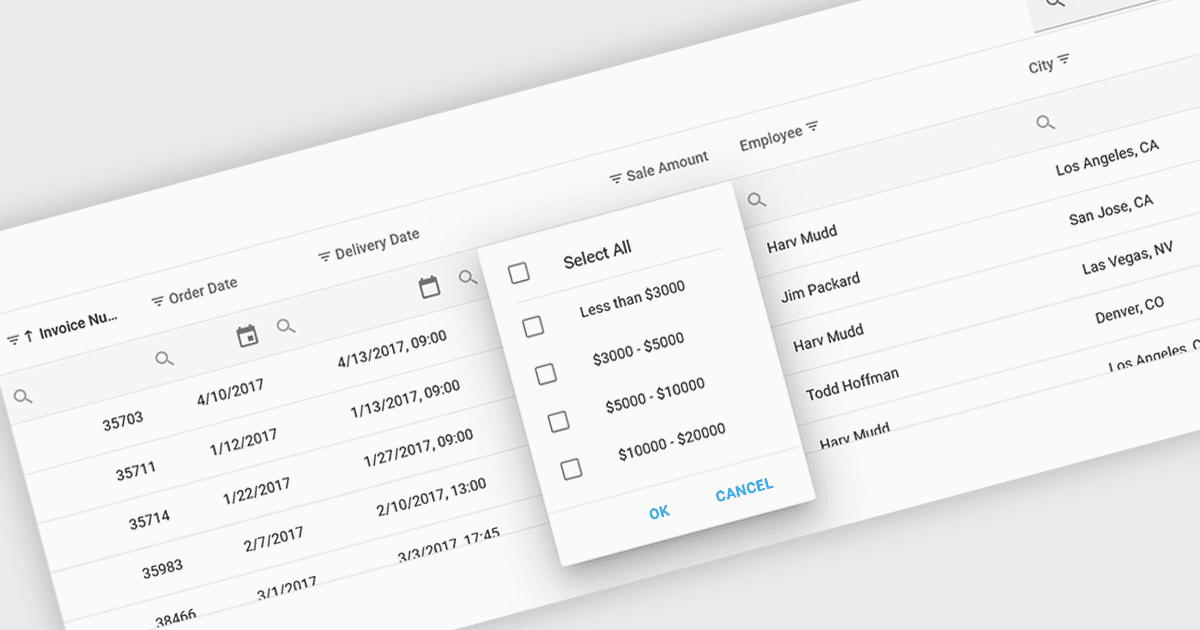
专注于特定数据子集更便于分析

4月 11, 2024
筛选功能使数据网格用户能够快速放大相关数据,以发现趋势并发现见解。

继续用英语阅读:

Using a grid control with support for filters enables users to dynamically narrow the displayed data based on specific criteria. This functionality helps users focus on relevant subsets of information by filtering individual columns using operators, keywords, or pre-defined options. Filtering improves data exploration efficiency and reduces cognitive load by presenting only the data that aligns with the user's current analysis.

Several React grid controls offer filtering functionality including:

  • DevExtreme HTML5 JavaScript Data Grid (part of DevExtreme Complete by DevExpress) empowers users with versatile client-side filtering and remote filtering.
  • Handsontable by Handsoncode offers built-in filtering for columns, enabling you to search and filter data directly within the spreadsheet-like interface.
  • KendoReact Data Grid (part of KendoReact by Telerik) offers advanced features including case-insensitive filtering, custom filter operators, and Excel-like filter menus.
  • Wijmo FlexGrid (part of Wijmo by MESCIUS) allows you to filter data by columns using various operators and supports filtering based on hierarchical data structures.

For an in-depth analysis of features and price, visit our React Grid controls comparison.

Compare React Grid Controls