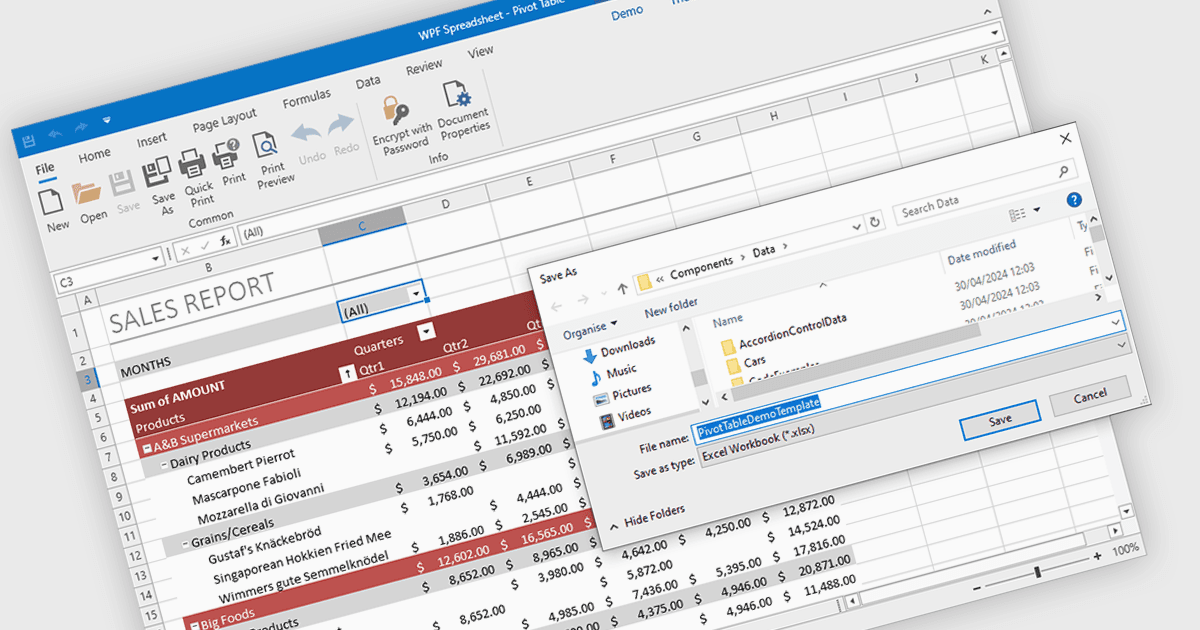
用 XLSX 导出简化了数据共享

5月 8, 2024
轻松将数据从您的电子表格应用程序导出为熟悉且广泛使用的格式,以便进一步分析和操作。

继续用英语阅读:

Spreadsheet components with XLSX export functionality allow developers to seamlessly save spreadsheet data and formatting from their application as a Microsoft Excel compatible file. This functionality provides significant benefits such as increased data portability for users who can then open and edit the spreadsheets in Excel, and improved collaboration as data can be easily shared and worked on across different platforms.

Several WPF spreadsheet controls offer the ability to export XLSX files including:

  • DevExpress WPF Spreadsheet (part of DevExpress WPF) empowers you to export spreadsheets to customizable XLSX files.
  • Spread WPF (part of Spread.NET by MESCIUS) enables seamless data visualization and export to editable XLSX spreadsheets.
  • Telerik WPF Spreadsheet (part of Telerik UI for WPF) offers an intuitive API for exporting data directly to XLSX format.
  • Infragistics WPF Spreadsheet (part of Infragistics Ultimate UI for WPF) facilitates exporting data to XLSX files, preserving formatting for easy analysis.

For an in-depth analysis of features and price, visit our WPF spreadsheet controls comparison.

Compare WPF Spreadsheet Controls