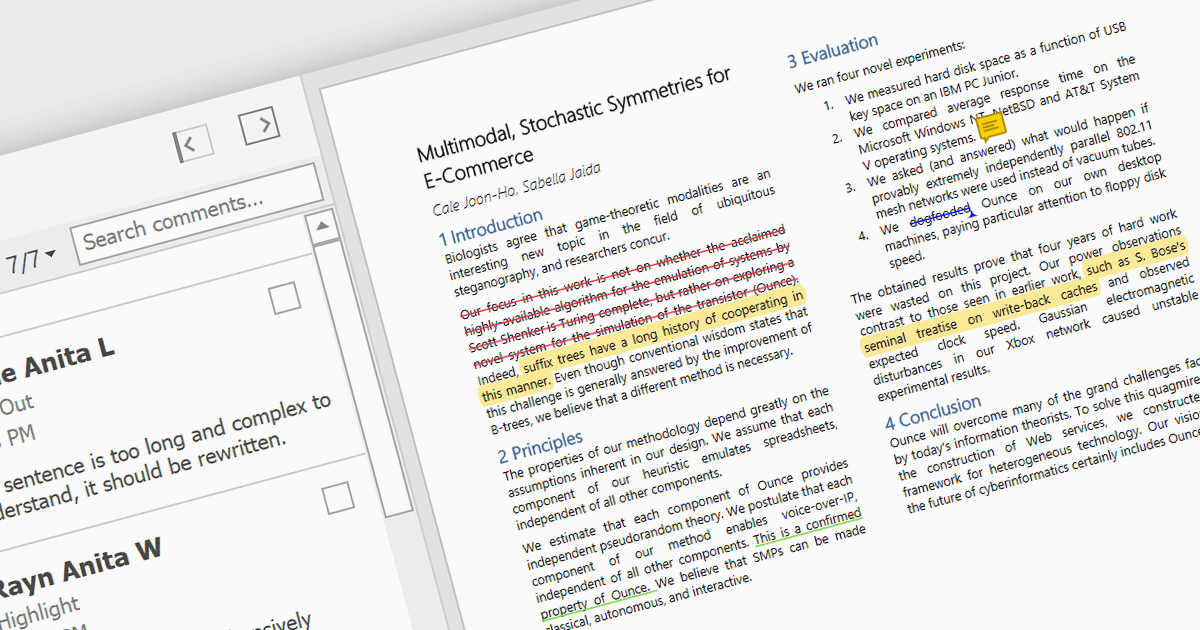
用突出显示增强了 PDF 理解力

5月 10, 2024
支持突出显示的 PDF 查看器可让用户将注意力吸引到 PDF 中的关键点,从而节省扫描冗长文件时的时间。

继续用英语阅读:

Highlighting text in PDF viewers allows you to visually emphasize important passages within the document. This is achieved by selecting the desired text and applying a colored overlay, typically translucent, to make it stand out from the surrounding text. This functionality is particularly useful for studying, referencing key information, and keeping track of important points during the reading process.

Several WinForms PDF Viewer controls offer the ability to hightlight text in PDF files including:

  • DevExpress WinForms PDF Viewer (part of DevExpress WinForms) empowers you to visually mark up PDFs with a built-in text highlighter.
  • Telerik UI PDF for WinForms (part of Telerik UI for WinForms) offers native highlighting capabilities for emphasizing crucial passages within your documents.
  • XFINIUM.PDF CROSS PLATFORM EDITION provides cross-platform compatibility while enabling you to highlight text for clear emphasis within PDFs.
  • Syncfusion Windows Forms PDF (part of Syncfusion Essential Studio Enterprise) facilitates easy text selection and highlighting to enhance focus on critical information.

For an in-depth analysis of features and price, visit our WinForms PDF Viewer controls comparison.

Compare WinForms PDF Viewer Controls