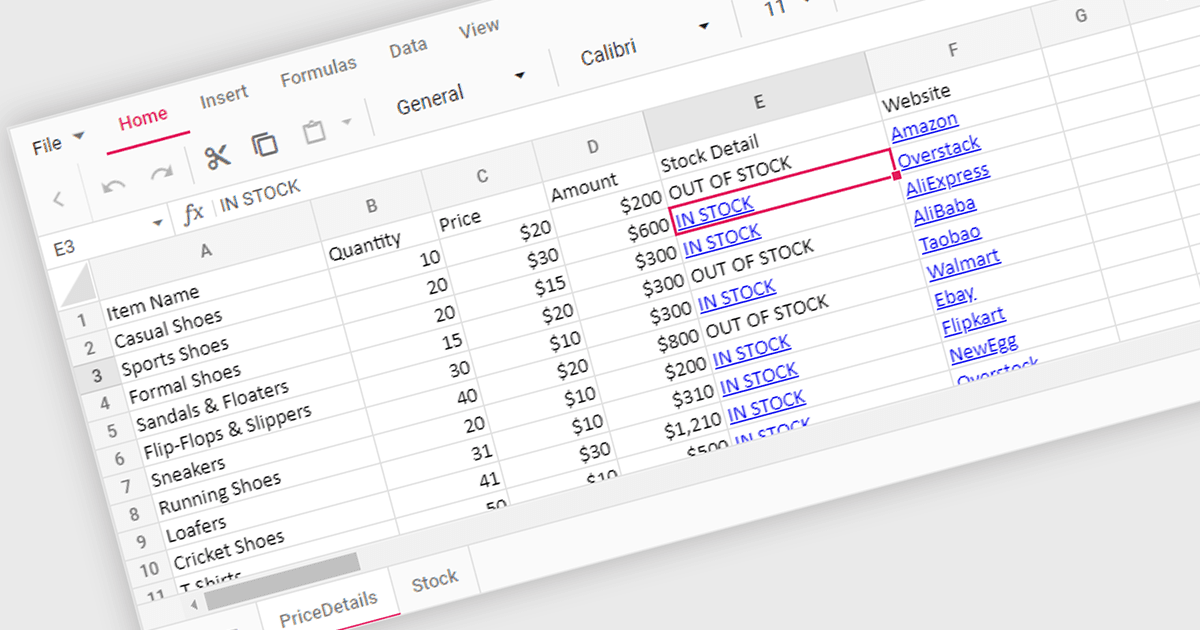
用超链接简化了电子表格导航

5月 13, 2024
选择支持超链接的 React 电子表格组件,通过单元格内可点击链接提升用户体验,以实现高效导航。

继续用英语阅读:

Hyperlink support in a spreadsheet control allows developers to integrate clickable links within cells. This functionality offers several advantages: users can seamlessly navigate to external web pages, reference internal documents within the spreadsheet itself (including across worksheets), and launch email compositions directly from specific cells. Hyperlink support enhances user experience by streamlining information access and promoting efficient data exploration within the spreadsheet.

Several React Spreadsheet controls offer Hyperlink support including:

  • SpreadJS by MESCIUS supports hyperlinks in cells, allowing users to link to webpages, email addresses, or other ranges within the spreadsheet.
  • Jspreadsheet Pro allows you to integrate hyperlinks into cells, connecting users to webpages, local files, and other spreadsheet locations.
  • Infragistics Spreadsheet React (part of Infragistics Ignite UI) enables the creation of interactive spreadsheets with clickable links to external resources and internal data.
  • Syncfusion Spreadsheet JavaScript (part of Syncfusion Essential Studio Enterprise) facilitates embedding hyperlinks within cells for seamless navigation.

For an in-depth analysis of features and price, visit our comparison of React Spreadsheet controls.

Compare React Spreadsheet Controls