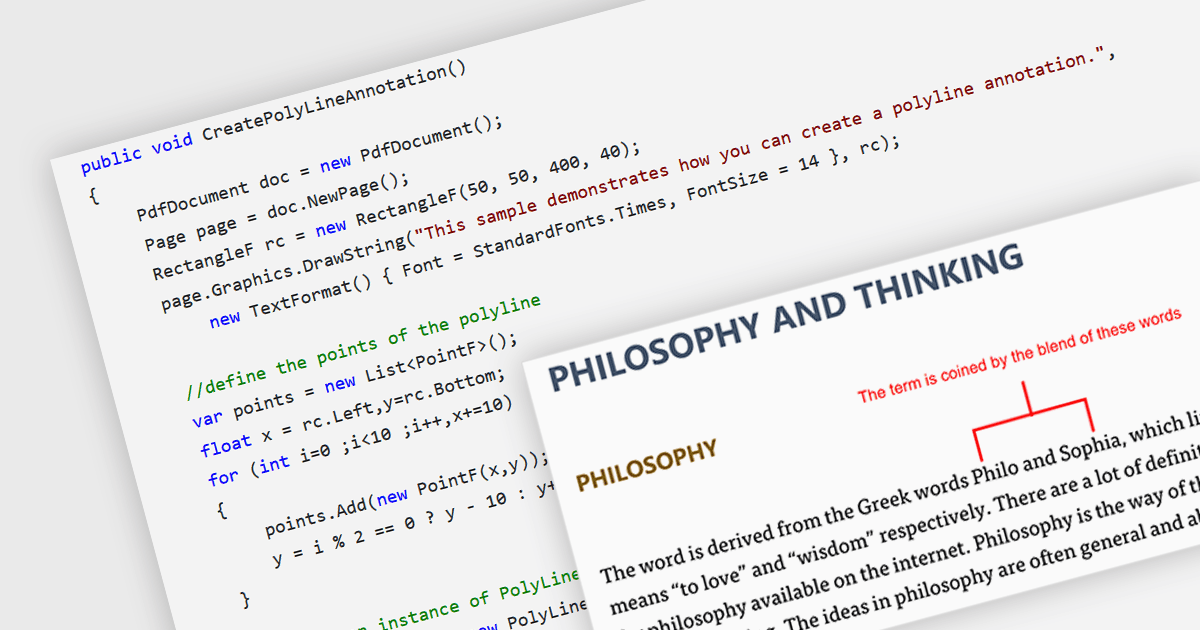
在 .NET 应用中将折线批注添加到 PDF

5月 16, 2024
突出显示特定区域、直观地连接元素或跟踪 PDF 文档中的路径,为读者促进更好的沟通和清晰度。

继续用英语阅读:

Polyline annotations in PDFs are interactive elements that enable the creation of free-form shapes defined by connected straight line segments. This functionality offers a versatile tool for reviewers or editors to precisely highlight specific areas, connect elements visually, or trace paths within the PDF document, promoting better communication and clarity for readers. They are particularly beneficial for creating dynamic and interactive documents as they help in embedding more complex graphical data, which can improve the usability and readability of PDFs in technical fields such as engineering, architecture, and design.

Several .NET PDF components allow you to move, resize, remove or edit the appearance of polylines in PDF files, including:

  • DevExpress PDF Document API (part of DevExpress Office File API) lets you add and manage interactive polylines for highlighting or connecting elements in PDFs.
  • Document Solutions for PDF by MESCIUS offers robust polyline drawing tools to improve visual data representation and document interaction.
  • Aspose.PDF for .NET empowers developers to create and manipulate polyline annotations within PDF documents using C#.
  • Syncfusion WPF PDF (part of Syncfusion Essential Studio Enterprise) allows developers to implement polylines with advanced graphical control within user-friendly interfaces.

For an in-depth analysis of features and price, visit our comparison of .NET PDF components.

Compare .NET PDF Components