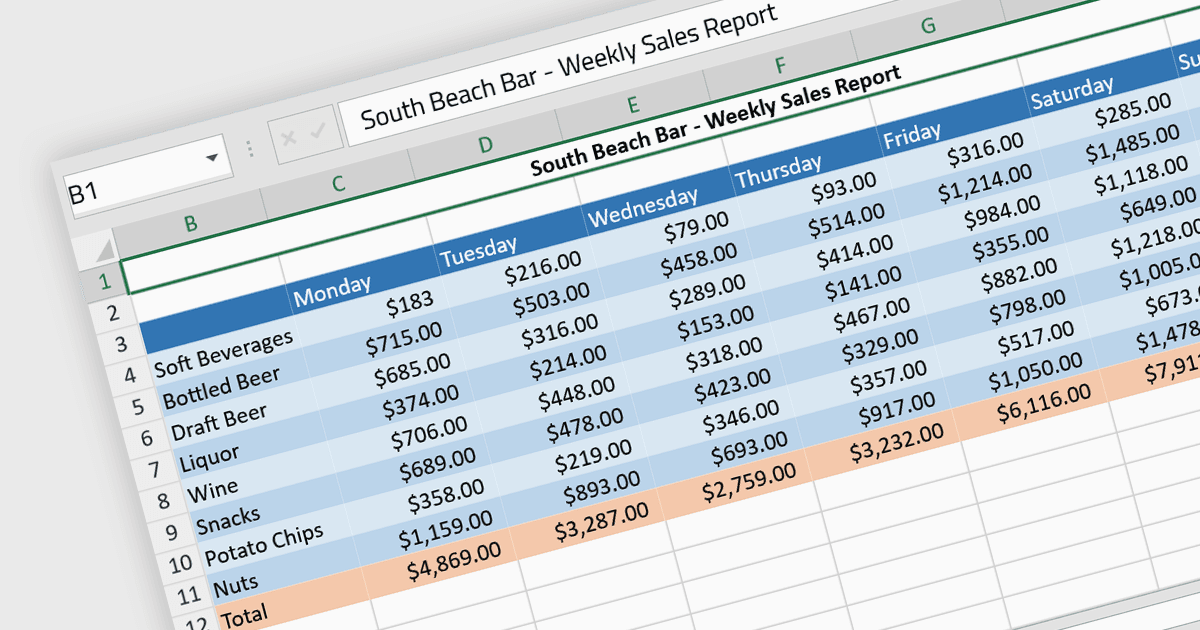
增强 Angular 电子表格的可读性

5月 28, 2024
选择支持单元格格式的电子表格控件可使您的数据更易于阅读、提高一致性并增强用户体验。

继续用英语阅读:

Cell formatting allows you to customize of the appearance and behavior of individual cells within a spreadsheet or data table to improve readability, comprehension, and accuracy of data presentation. This can encompass adjustments to font style, size, and color, as well as the inclusion of borders, shading, numeric or date formatting, cell alignment and so on. By employing cell formatting, users can significantly enhance the readability and organization of their spreadsheets, allowing for quicker data comprehension and clearer communication of the information they contain. It also helps in distinguishing different types of data, emphasizes important figures, and maintains consistency across related documents, thereby reducing the likelihood of errors and misinterpretations.

Several Angular spreadsheet components support cell formatting, including:

  • SpreadJS by MESCIUS facilitates extensive cell formatting for any cell property allowing Angular developers to create customized spreadsheet solutions.
  • Telerik Excel Export (part of Kendo UI) works with Angular and allows seamless data export to Microsoft Excel, supporting complex cell formatting, alignment, and more.
  • Jspreadsheet Pro offers spreadsheet-like controls tailored for Angular with tools to customize cell appearance, including fonts, colors, and number formats.
  • Infragistics Spreadsheet Angular (part of Infragistics Ignite UI) offers an Excel-like interface, providing cell formatting capabilities for dynamic and consistent data presentation.

For an in-depth analysis of features and price, visit our comparison of Angular spreadsheet controls.

Compare Angular Spreadsheet Controls