毫不费力地在 PDF 中找到您需要的内容

6月 5, 2024
利用强大的搜索功能和直观的导航工具,快速有效地确定文档中您所需的信息。

继续用英语阅读:

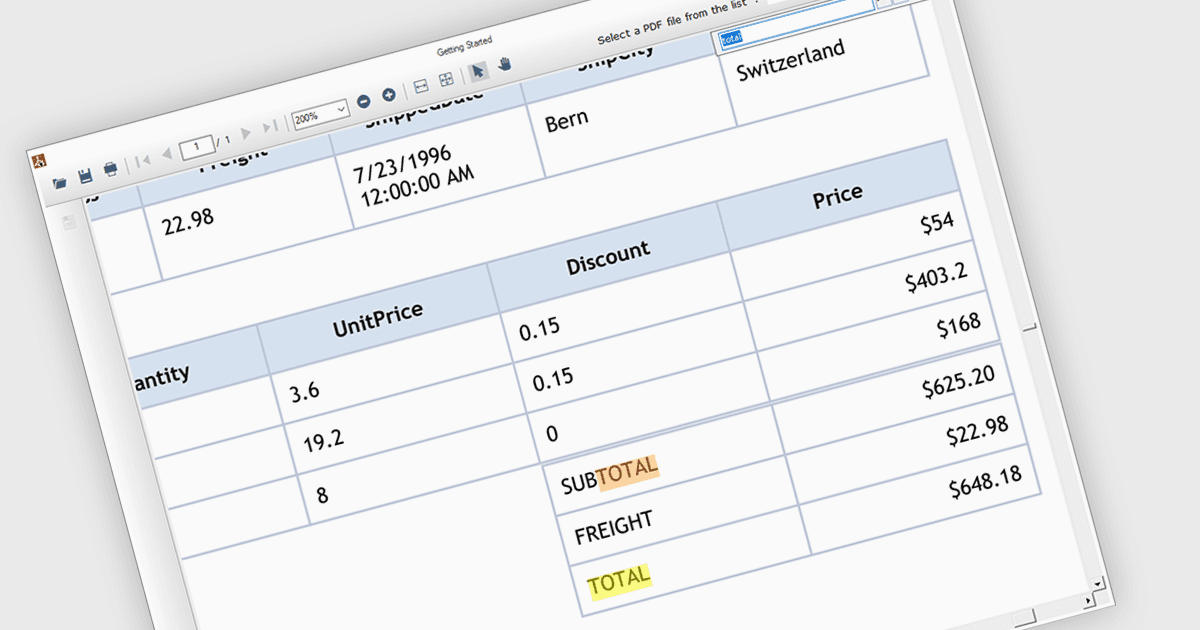
Text search functionality in PDF components enables developers to integrate a search bar or button within their application, allowing users to find specific terms or phrases within a loaded PDF document. This empowers users to quickly locate relevant information, improving efficiency and user experience. Text search is particularly beneficial for applications dealing with large or complex PDFs, such as legal documents, research papers, or technical manuals.

Several .NET WinForms PDF components offer support for text searching including:

  • ComponentOne Studio WinForms PDF (part of ComponentOne Studio WinForms by MESCIUS) facilitates in-depth PDF exploration with comprehensive text search features.
  • Telerik UI PDF for WinForms (part of Telerik UI for WinForms) offers fast PDF text search functionality within WinForms applications, enabling users to quickly locate information.
  • ImageGear for .NET by Accusoft unlocks powerful PDF text search capabilities, allowing users to locate specific terms and phrases with ease, streamlining document analysis.
  • Syncfusion Windows Forms PDF (part of Syncfusion Essential Studio Enterprise) streamlines PDF information retrieval through its intuitive document search functionality.

For an in-depth analysis of features and price, visit our WinForms PDF Components comparison.

Compare .NET WinForms PDF Components