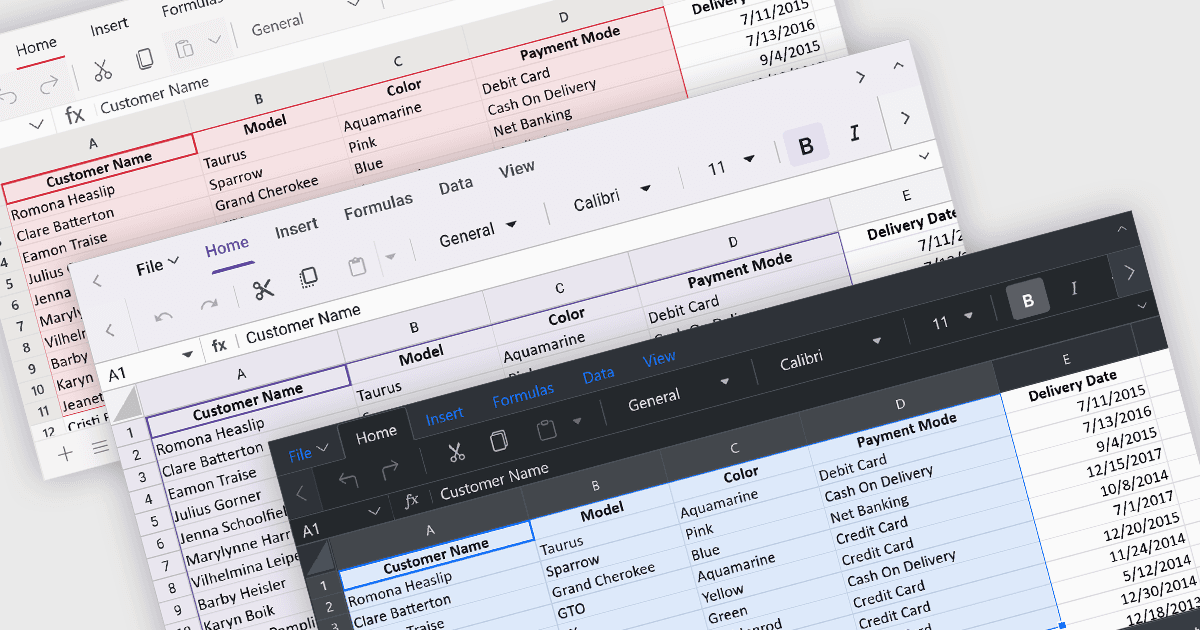
用主题自定义您的电子表格

10月 18, 2024
使用主题化来定制满足您需求的电子表格,并创建一个内聚的专业外观,以符合您的品牌指南。

继续用英语阅读:

Theming provides users with the ability to customized the visual elements like colors, fonts, and layouts to create a consistent and visually appealing user interface to their spreadsheets. By applying themes, you can enhance the overall aesthetic of your spreadsheet, improve readability, and make it more engaging for users. Themes can also help to align your spreadsheet with your brand guidelines, creating a cohesive and professional look.

Several ASP.NET Core spreadsheet controls offer support for applying themes including:

  • DevExpress ASP.NET Core Spreadsheet (part of DevExpress ASP.NET and Blazor) empowers you to tailor the spreadsheet's look with pre-built themes or craft custom color schemes for a seamless user experience.
  • Telerik ASP.NET Core Spreadsheet (part of Telerik UI for ASP.NET Core) provides built-in themes to customize the spreadsheet's appearance, ensuring alignment with your application's overall design.
  • Syncfusion ASP.NET Core Spreadsheet (part of Syncfusion Essential Studio Enterprise) facilitates thematic customization of the spreadsheet control, enabling you to create a visually cohesive and user-friendly interface.

For an in-depth analysis of features and price, visit our ASP.NET Core spreadsheet controls comparison.

Compare ASP.NET Core Spreadsheet Controls