在静态图像文件中捕获和保留图表

10月 25, 2024
将图表转换为静态图像,以便跨平台和设备进行有效通信和数据共享。

继续用英语阅读:

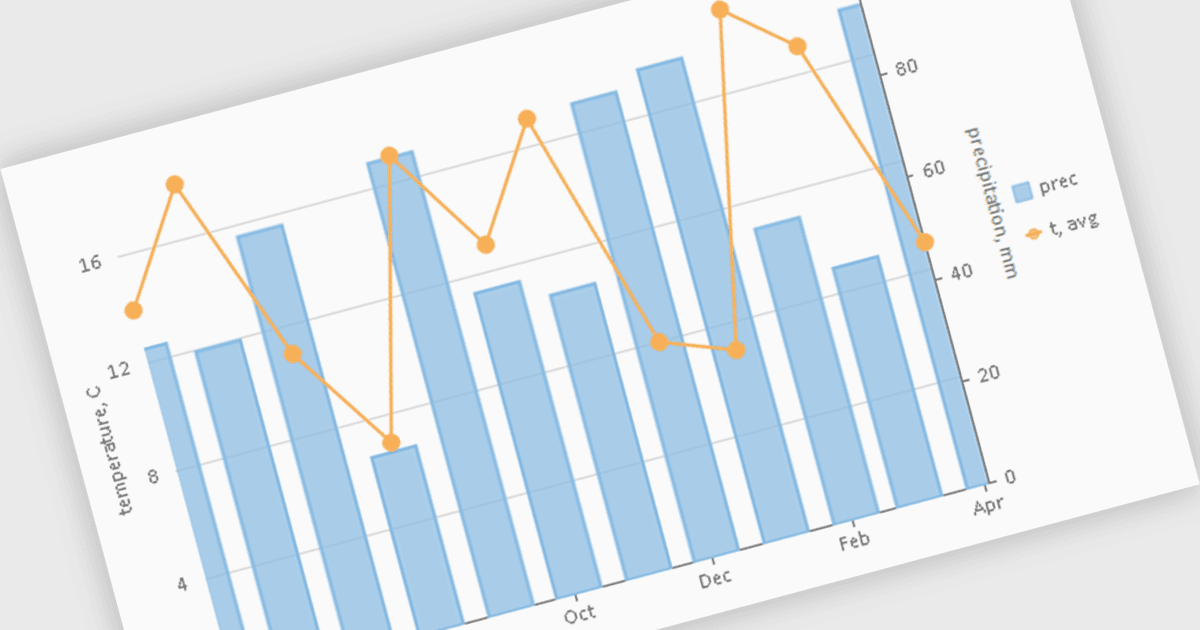
Chart components with image export features empower users to save a chart's visual representation as a static image file, providing a convenient way to share, embed, or print data insights. This capability is valuable for developers and end-users alike, as it removes the need for access to the original dataset or charting software when distributing visualizations. With image export, users can preserve the chart's design, style, and formatting, ensuring that its presentation remains consistent across various platforms, from presentations to reports. Additionally, by offering support for standard formats such as PNG, JPEG, or SVG, this feature enables seamless integration of charts into documents, websites, or printed materials, enhancing flexibility and broadening the ways in which data insights can be shared and utilized.

Several WPF charting components support exporting to images including:

  • ComponentOne Charts for WPF (part of ComponentOne Studio WPF by MESCIUS) offers comprehensive features for exporting charts, including support for various image formats.
  • LightningChart .NET supports a wide range of image formats and allows for customization of export settings, such as resolution, quality, and compression.
  • ProEssentials by GigaSoft can easily export charts to several image formats, and control the quality and size of the exported images.
  • TeeChart WPF (part of TeeChart for .NET by Steema Software) enables flexible chart export options, allowing users to save charts as images such as PNG, JPEG, BMP and GIF.

For an in-depth analysis of features and price, visit our comparison of WPF charting components.

Compare WPF Chart Components