用格式化文本提升您的报表

11月 21, 2024
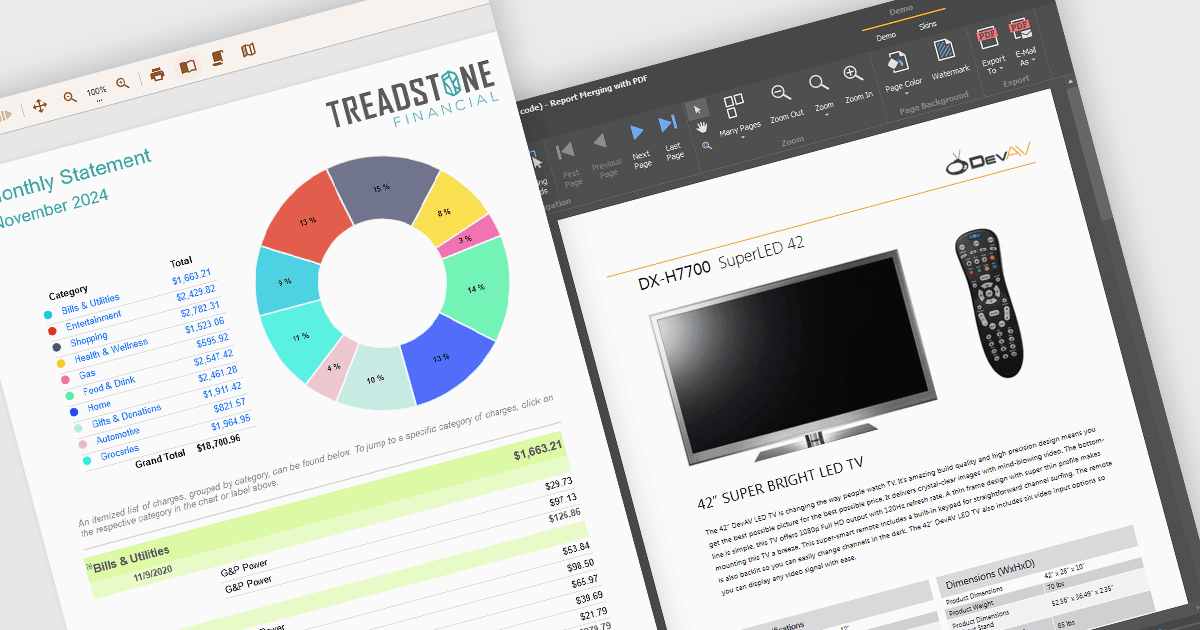
使用文本格式(如字体大小、样式、对齐方式和间距)轻松处理报表中文本的外观,以提高可读性。

继续用英语阅读:

Text formatting functionality in reporting components lets users customize the appearance of text within reports, including options for fonts, sizes, colors, alignment, spacing, and styles such as bold or italic. Many components also support advanced features like conditional formatting, rich text, and HTML rendering, enabling developers to dynamically style content based on data or incorporate complex visual elements. This functionality is essential for creating professional and polished reports that are easy to read and visually appealing, helping users quickly identify key trends and insights. Use cases range from financial reporting, where precise alignment and emphasis are crucial, to marketing dashboards that require visually engaging presentations to communicate data effectively.

Several WinForms reporting controls offer support for formatted text including:

  • DevExpress Reports (Multi-Platform) supports rich text and HTML-inspired formatting, enabling developers to create professional reports tailored to business needs.
  • ActiveReports.NET offers robust text formatting through its RichTextBox control, allowing the integration of RTF and HTML content for visually engaging reports.
  • Telerik Reporting provides rich text formatting, conditional styling, and HTML-based text rendering, enhancing the readability and effectiveness of reports.
  • List & Label Enterprise Reporting Edition supports dynamic styling, rich text editing, and internationalization, making it ideal for creating high-quality, globally accessible reports.

For an in-depth analysis of features and price, visit our WinForms reporting controls comparison.

Compare WinForms Reporting Controls