用强大的 PDF 批注功能简化审查

1月 10, 2025
用 React PDF 批注轻松高亮显示、评论和自定义文档,从而提高每个审查过程的工作效率和清晰度。

继续用英语阅读:

PDF annotations in PDF Viewer components allow users to interact with and mark up documents directly within an application. This functionality is critical for workflows requiring collaborative review, document editing, or enhanced personalization of PDFs, offering a seamless experience for annotating without requiring external tools. By embedding annotation capabilities, applications can boost productivity and streamline document-centric tasks.

Common features include:

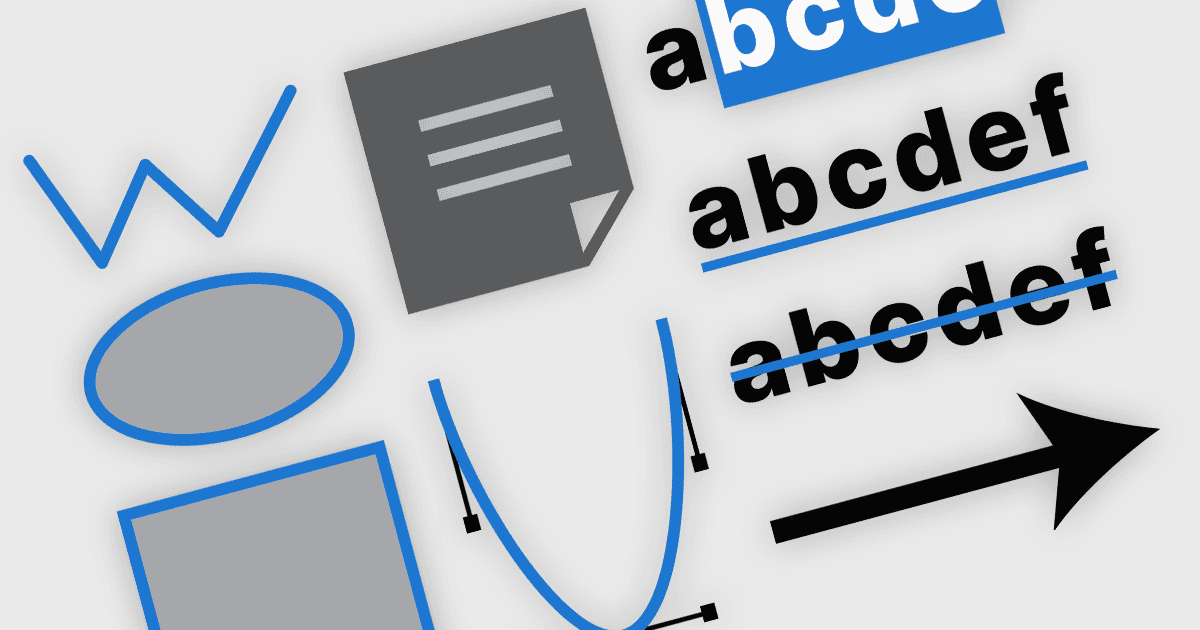
  • Freehand Draw (Ink Annotation) allow users to draw freeform shapes, lines, or highlights directly onto a PDF using a stylus, mouse, or touch input.
  • Lines allow users to underline text, create dividers, or connect different areas of the document for clear and professional markup.
  • Rectangles are ideal for framing sections of a document. Users can highlight specific text or data, making it stand out without permanently altering the original content.
  • Ellipses enable users to easily call attention to charts, images, or other graphical elements.
  • Stamp annotations let users apply predefined or custom stamps, such as "Approved," "Rejected," or company logos. This provides a fast and visually impactful way to signify document status or ownership.
  • Free Text annotations allow users to add independent text boxes anywhere on the document. This tool is helpful for inserting notes, instructions, or additional details without modifying the underlying content.
  • Watermarking PDFs embeds text or images, such as "Confidential" or a company name, across a PDF. It ensures documents are properly branded or marked for security purposes without obstructing readability.

For an in-depth analysis of features and price, visit our React PDF Viewer components comparison.

Explore React PDF Annotation Features