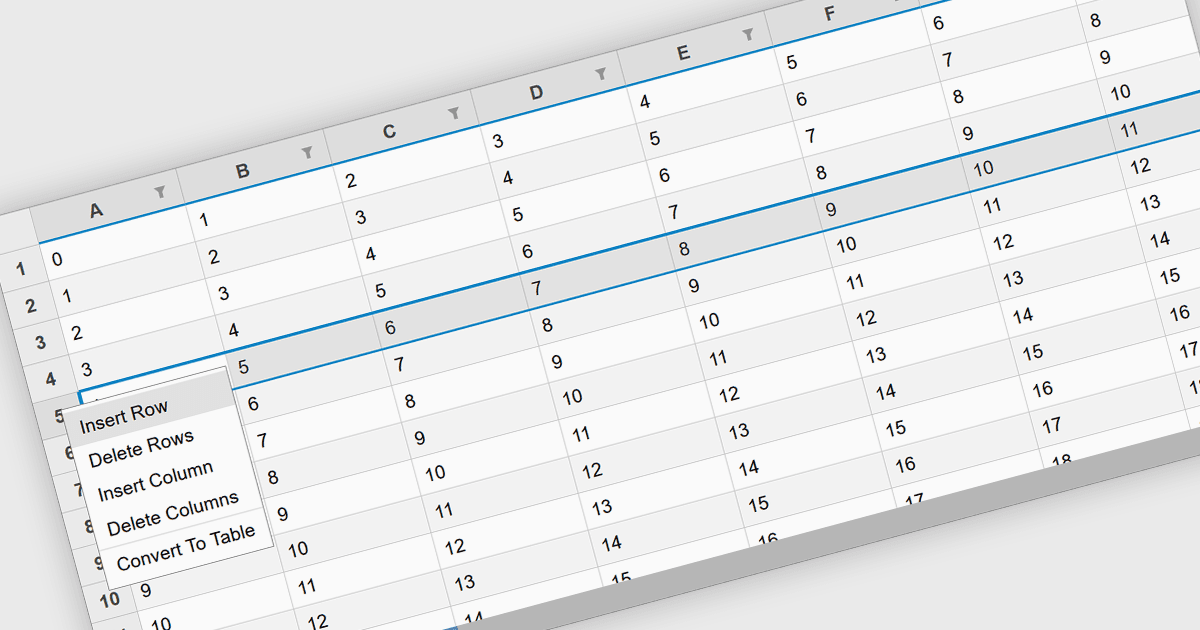
用行插入轻松扩展数据

2月 24, 2025
通过在电子表格组件中插入行,用户可以无缝修改和扩展数据,从而确保动态内容更新的灵活性。

继续用英语阅读:

Inserting rows in spreadsheet components is a fundamental feature that allows users to dynamically expand their data sets while maintaining structure and organization. This capability is essential for applications that handle tabular data, enabling seamless modifications without disrupting existing content. Whether used for financial calculations, data analysis, or collaborative editing, the ability to add rows programmatically or through user interaction enhances flexibility and efficiency in spreadsheet-based applications.

Several React spreadsheet controls offer support for inserting rows including:

  • Wijmo FlexSheet (part of Wijmo by MESCIUS) provides built-in methods for inserting rows both through the UI and programmatically using its API.
  • Telerik Spreadsheet React (part of KendoReact by Telerik) enables users to insert rows dynamically while preserving formulas and formatting, ensuring data integrity.
  • Syncfusion Spreadsheet JavaScript (part of Syncfusion Essential Studio Enterprise) offers row insertion with support for undo/redo functionality for improved users control.
  • Infragistics Spreadsheet React (part of Infragistics Ignite UI) allows users to add rows via user commands or API calls, integrating with other spreadsheet operations.

For an in-depth analysis of features and price, visit our React spreadsheet controls comparison.

Compare React Spreadsheet Controls