用多功能网格单元类型优化数据输入

2月 28, 2025
轻松配置网格组件,以使用专用单元格类型(如复选框或下拉列表)更直观地显示和编辑数据。

继续用英语阅读:

Cell types in Grid components are specialized configurations that define how data is displayed, edited, and interacted with within a grid or table structure. They allow developers to tailor the presentation and functionality of each cell to better match the type of data it contains. By specifying cell types such as text, numeric, date/time, and more, Grid components can provide intuitive controls and formatting automatically, streamlining data entry and reducing errors.

Common features include:

  • Button cells let users trigger actions directly within the grid, such as saving or deleting.
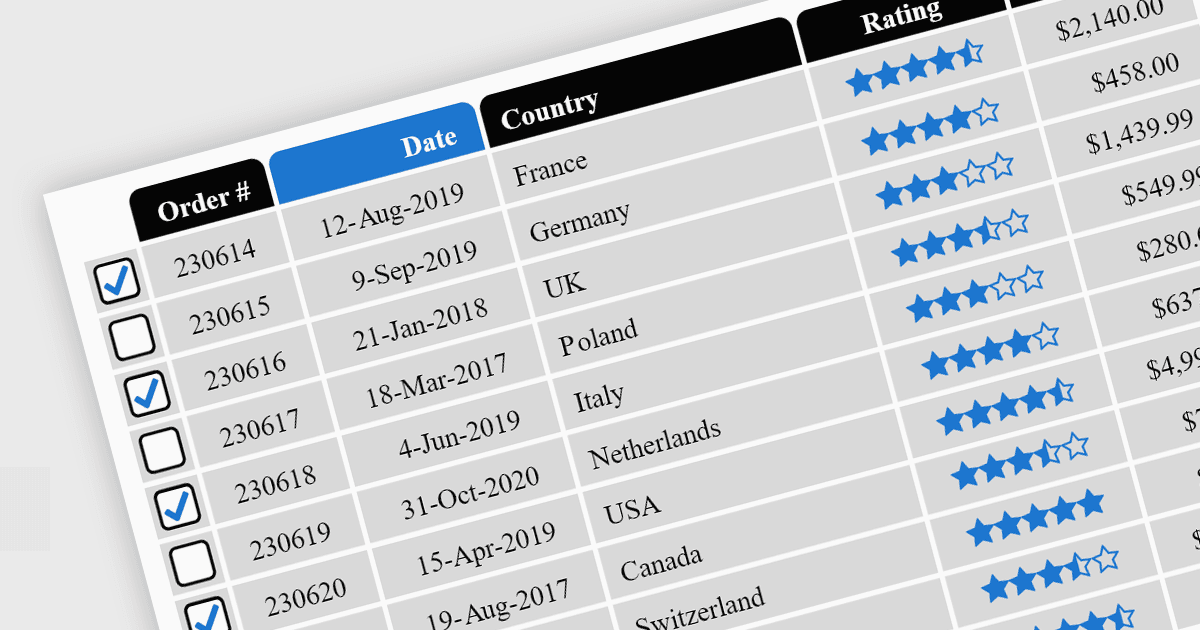
  • Checkbox cells provide aan intuitive way to select multiple items or toggle options.
  • Date/Time cells feature calendar pickers or time selectors to minimize entry errors.
  • Dropdown/List cells restrict user input to predefined options, ensuring data consistency.
  • Hyperlink cells enable navigation to resources or external links without leaving the grid.
  • Image cells support thumbnail previews, enhancing visual representation of content.
  • Numeric cells enforce number-only input, often with built-in validation.
  • Text/String cells are versatile for general data, supporting long or multiline input.

For an in-depth analysis of features and price, visit our jQuery grid components comparison.

Explore jQuery Grid Cell Types