用可自定义的注释标记 PDF

3月 20, 2025
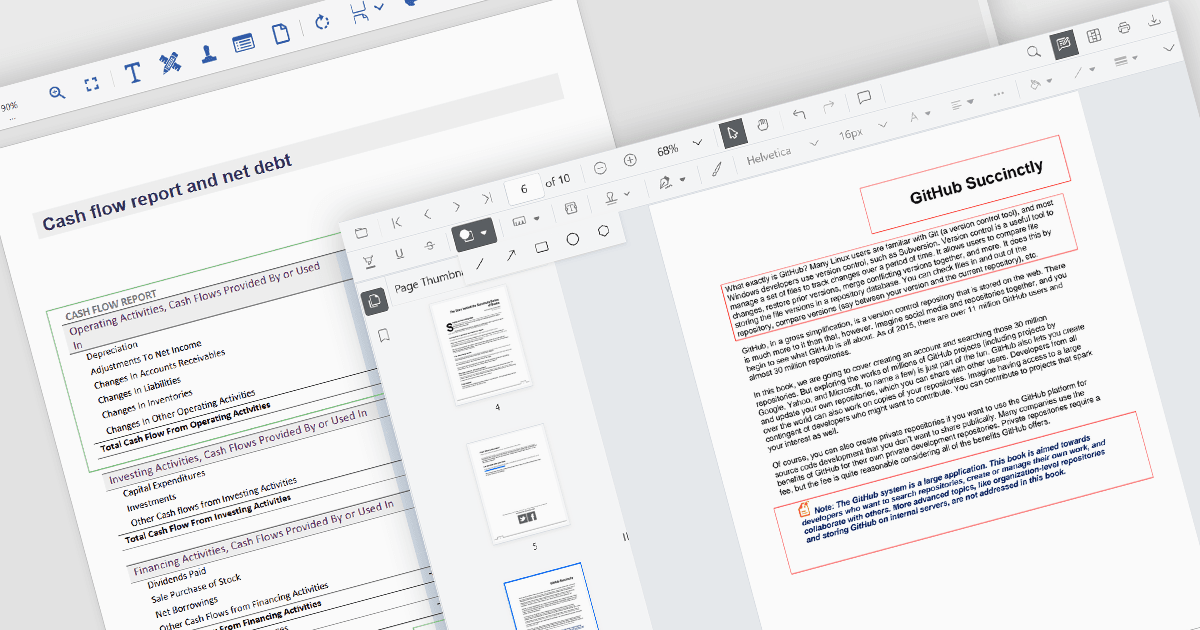
矩形批注提供了一种精确的方式来突出显示 PDF 中的部分,具有可调整的颜色、边框和透明度。

继续用英语阅读:

Rectangle annotations in PDF controls allow users to highlight specific areas within a document by drawing rectangular shapes. These annotations are useful for marking sections for review, redaction, or emphasis without altering the original document content. Typically, rectangle annotations support customization options such as border color, fill color, opacity, and line thickness, enabling users to tailor them to their needs. Many PDF viewer components also provide interactive features, such as the ability to move, resize, or delete annotations, ensuring flexibility in document review and collaboration workflows.

Several ASP.NET Core PDF viewer controls offer rectangle annotations including:

  • Document Solutions for PDF by MESCIUS provides extensive support for rectangle annotations that can be dynamically added, modified, and saved within the PDF file.
  • ImageGear for .NET by Accusoft supports rectangle annotations with styling options, suitable for applications requiring advanced document markup and editing features.
  • Syncfusion ASP.NET Core PDF (part of Syncfusion Essential Studio Enterprise) allows users to create rectangle annotations with options for color, transparency, and border width.

For an in-depth analysis of features and price, visit our ASP.NET Core PDF viewers comparison.

Compare ASP.NET Core PDF Viewer Controls