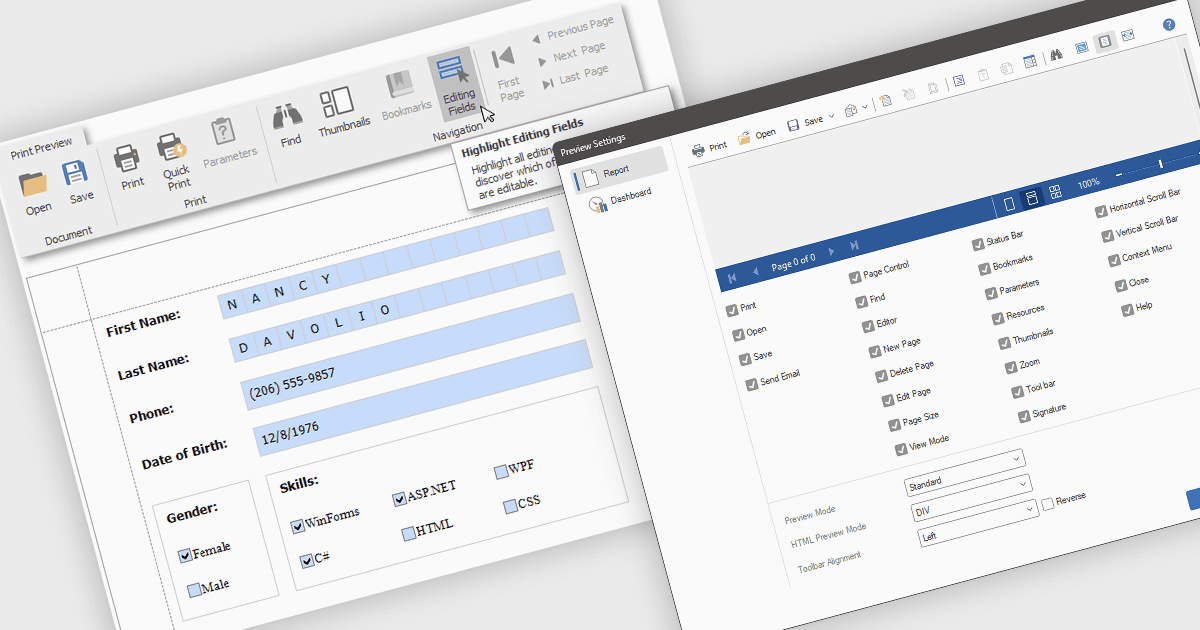
通过预览中编辑更快地调整报表

4月 22, 2025
在预览中直接修改报表元素,从而实现格式和布局调整的实时可视化,并加快迭代速度。

继续用英语阅读:

Editing reports in preview mode enables direct modification of report elements like text, charts, and layout within the review window. This approach offers benefits such as faster iteration, improved accuracy, and enhanced efficiency by eliminating the need to switch between edit and preview modes. Teams can adjust chart labels for clarity or tweak a report's layout for better presentation, instantly seeing the impact of their changes and improving the report finalization process.

Several .NET WPF Reporting Controls offer support for editing in preview including:

  • DevExpress Reports enables direct manipulation of report elements within the preview, offering immediate visual feedback for faster, more accurate adjustments.
  • FastReport .NET by Fast Reports allows in-preview modification of report objects, streamlining the design process with real-time visualization of layout changes.
  • Stimulsoft Reports.Wpf facilitates interactive editing of report content directly in the preview window, providing an intuitive WYSIWYG experience for report refinement.

For an in-depth analysis of features and price, visit our comparison of .NET WPF Reporting Controls.

Compare .NET WPF Reporting Controls