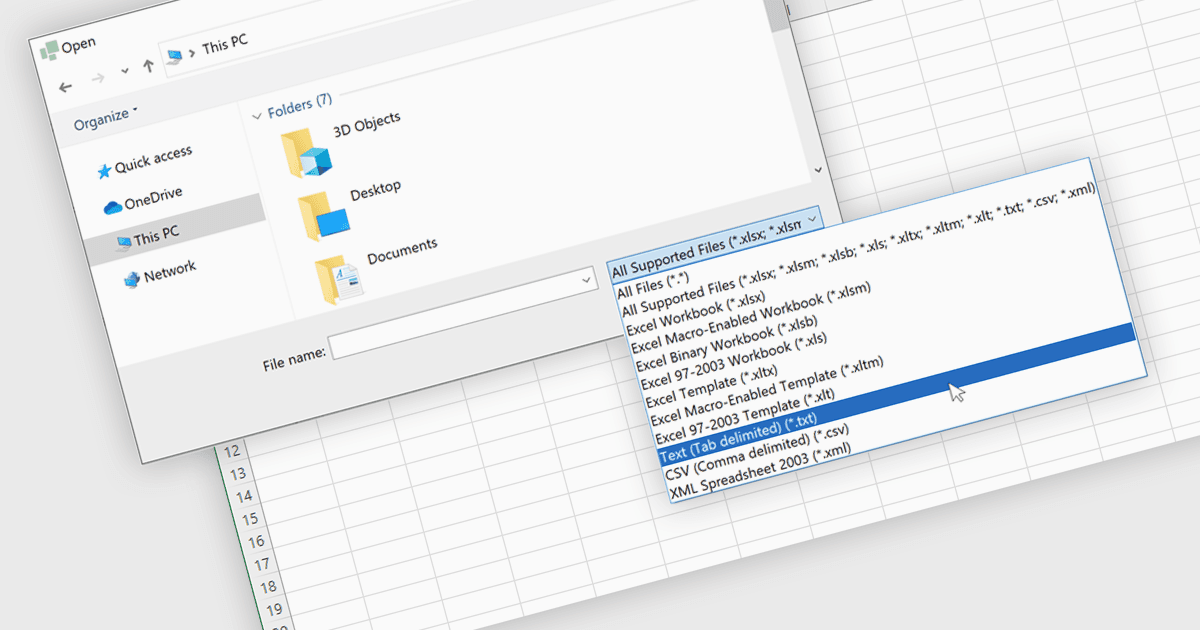
导入文本文件以加快数据处理速度

5月 7, 2025
在 .NET WinForms 应用程序中将纯文本(txt)文件快速加载到电子表格中,以减少手动输入,并加快数据处理和分析。

继续用英语阅读:

Importing TXT files into spreadsheet applications allows developers and users to load in plain text data, typically delimited by characters such as commas or tabs, and transform it into structured, editable tables within a spreadsheet-like environment. This process enables users to work with externally sourced or manually created text data using the familiar tools and features of a spreadsheet, such as sorting, filtering, and formula calculations. Loading a text file into an Excel-like format removes the need for manual data entry and simplifies data processing. Support for TXT file imports makes spreadsheet applications more versatile by improving the integration of external data and helping users process information more efficiently. It reduces the workload associated with data processing and ensures that data is quickly available in a usable format for analysis or reporting.

Several WinForms spreadsheet controls allow you to import files in TXT format:

  • DevExpress WinForms Spreadsheet (part of DevExpress WinForms) provides Excel inspired functionality and supports the import of data from TXT files to populate a spreadsheet.
  • Spread.NET WinForms (part of Spread.NET by MESCIUS) enables spreadsheet apps to open delimited text files, instantly converting text content into interactive spreadsheet cells.
  • Aspose.Cells for .NET is a WinForms-compatible programming API for spreadsheet management and processing that includes support for loading TXT files.
  • Telerik WinForms Spreadsheet (part of Telerik UI for WinForms) enables you to import plain text files with tab separated values (.txt) to transform raw data for easy manipulation.

For an in-depth analysis of features and price, visit our comparison of WinForms spreadsheet controls.

Compare WinForms Spreadsheet Controls