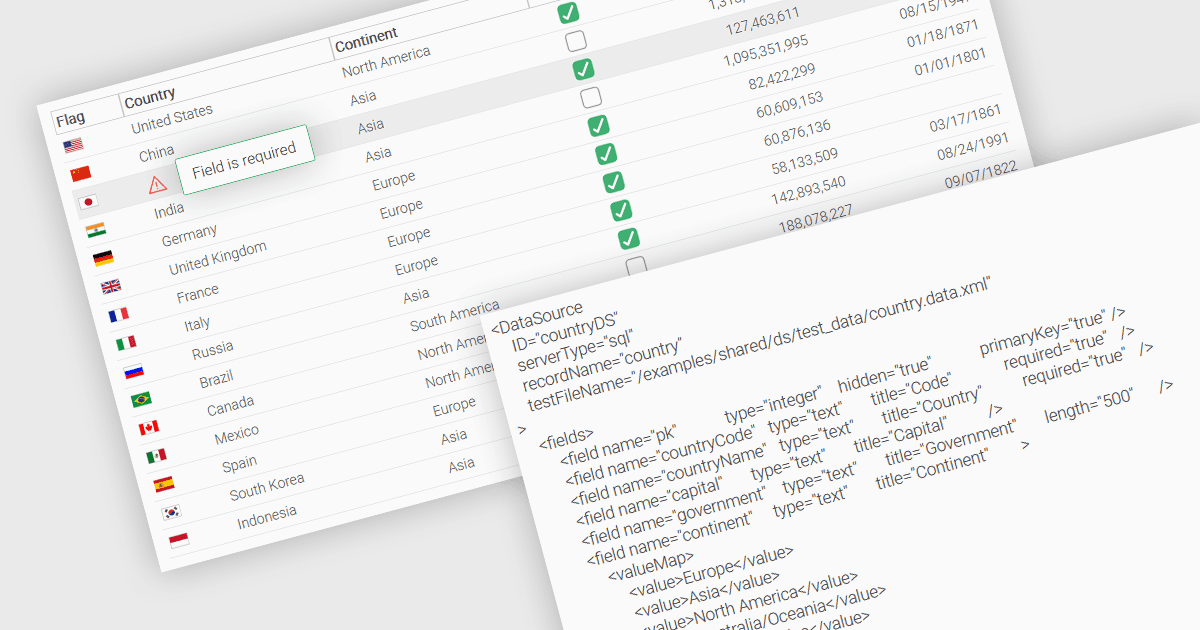
在数据网格应用中将列设置为必填

5月 16, 2025
使用 JavaScript 中的网格控件定义必填列,从而确保填写基本字段以保持输入完整有效。

继续用英语阅读:

A fundamental feature in a data grid is the ability to specify that a column must be populated with values and cannot be left empty. By designating certain columns as mandatory, developers can enforce input rules that prevent users from leaving critical fields blank, such as user identifiers, product names, or timestamps. Required columns are typically enforced through validation rules that prevent the submission or processing of incomplete records, thereby ensuring the completeness and validity of data entries. This improves data integrity, reduces the likelihood of processing errors, and supports consistent business logic across applications that rely on structured datasets.

Several JavaScript grid controls allow you to set columns as required, including:

  • Wijmo FlexGrid (part of Wijmo by MESCIUS) is a JavaScript data grid that allows columns to be marked as required, including built-in validation logic to ensure compliance.
  • Jspreadsheet Pro Data Grid (part of Jspreadsheet Pro) supports the use of validation rules to ensure entries meet predefined criteria, enabling you to define mandatory fields.
  • SmartClient Grid (part of SmartClient by Isomorphic Software) equips JavaScript apps with required column configuration to prevent the submission of incomplete records.
  • Ignite UI Angular Grid (part of Infragistics Ignite UI) offers developers an out of the box validator to enforce the population of required columns during data entry.

For an in-depth analysis of features and price, visit our comparison of JavaScript grid controls.

Compare JavaScript Grid Controls