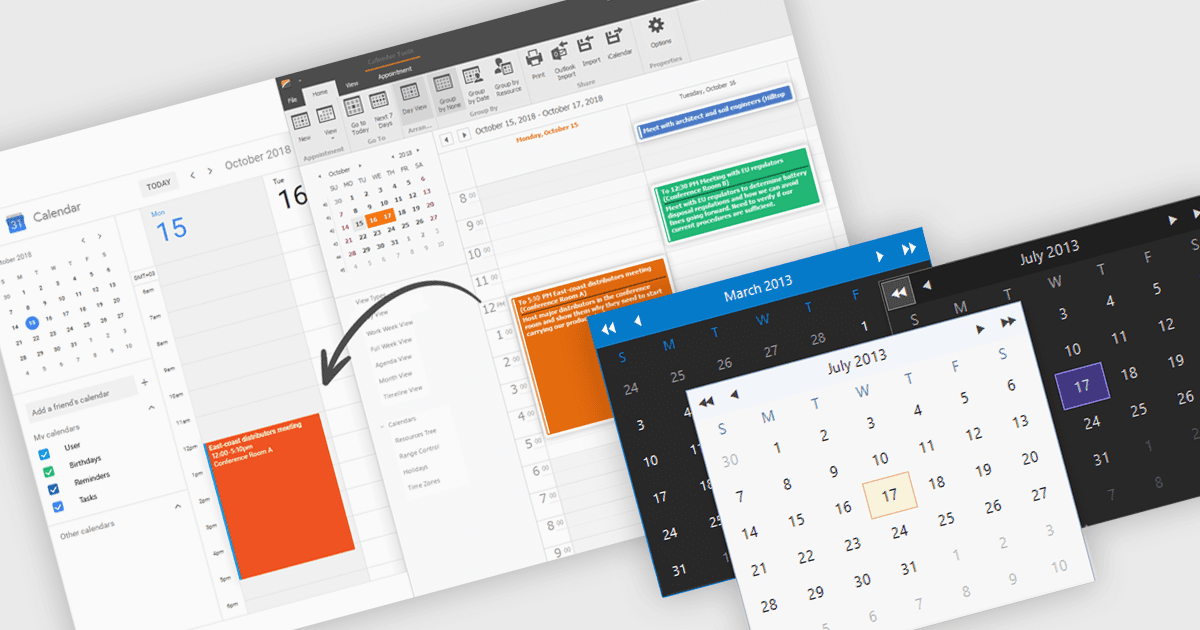
用最少的代码集成丰富的日历

5月 20, 2025
提供灵活的视图、颜色编码事件和拖放式重新安排,以便用户可以完全控制其日历。

继续用英语阅读:

Calendars are specialized components that allow developers to present and manage dates and events directly within their applications. They provide ready-made interfaces for selecting dates and displaying scheduled items while synchronizing with external services such as Microsoft 365 and Google Calendar. Common use cases include online booking systems for reserving resources, shift planning tools for staff schedules, and customer-facing appointment portals in industries like healthcare or personal services. By leveraging these calendar components, teams deliver polished, reliable scheduling experiences with minimal effort.

Several .NET Winforms UI suites offer a calendar component including:

  • MindFusion.WinForms Pack lets you embed interactive calendar controls with customizable views, recurrence rules, and event management for scheduling applications.
  • Bunifu UI WinForms allows you to add sleek calendar widgets featuring animations, themes, date-pickers, and range selection for improved scheduling.
  • Telerik UI for WinForms facilitates calendar controls with multiple view modes, data binding, localization, and event highlighting for enterprise scheduling.
  • DevExpress WinForms lets you integrate feature-rich calendar components with customizable appointment templates, resource grouping, and flexible navigation views.

For an in-depth analysis of features and price, visit our .NET Winforms UI suites comparison.

Compare .NET Winforms UI Suites