用折线图可视化随时间变化的趋势

6月 6, 2025
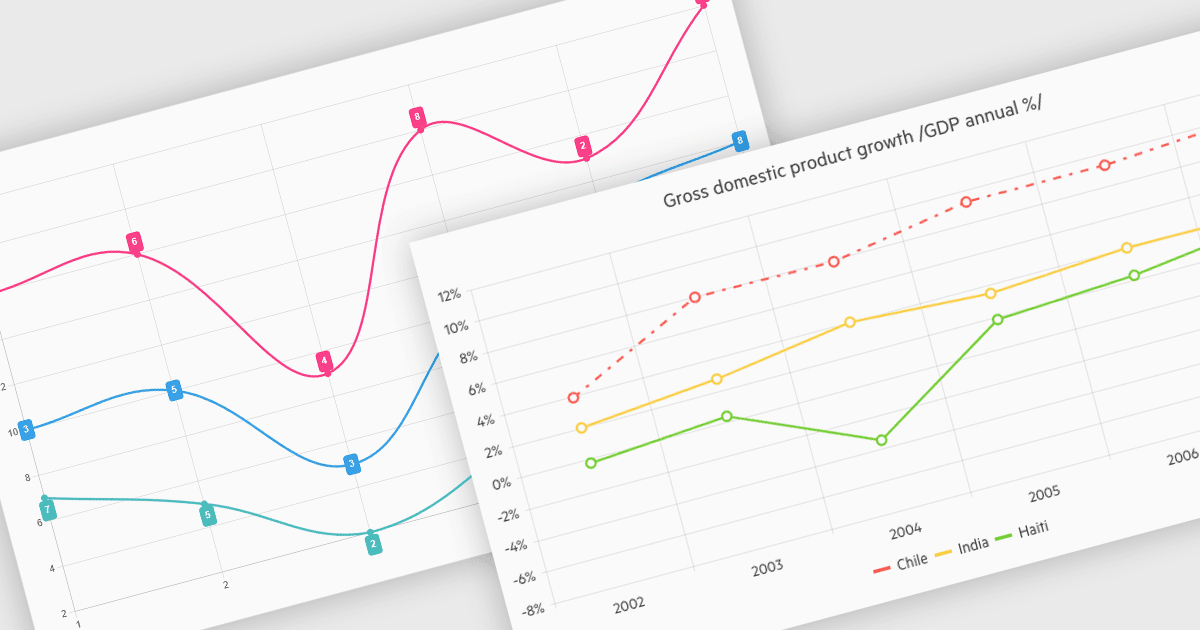
折线图提供指标进展的视图,允许进行多系列比较、识别变化和进行战略预测。

继续用英语阅读:

Line charts connect data points with lines to show how values change over a continuous scale, usually time. They make it easy to reveal long-term trends, seasonal patterns and sudden shifts while comparing multiple series on the same axes. Common applications include tracking stock prices, monitoring website traffic, analyzing climate data and comparing regional sales to guide business strategy. By highlighting progression and anomalies without clutter, line charts help turn raw numbers into clear, actionable insights.

Several .NET Blazor Chart Controls offer support for line charts including:

  • Blazorise Chart lets you create customizable line charts with smooth animations, tooltips, zooming, and responsive layouts for high-performance real-time apps.
  • TeeChart Blazor by Steema Software allows you to render high-performance line charts with multiple series, styling, interactive panning and zoom controls, export functionality.
  • Infragistics Blazor Charts (part of Infragistics Ignite UI) facilitates responsive line chart creation with styling, axis customization, real-time updates, data markers and tooltips.
  • DevExpress Blazor Chart (part of DevExpress ASP.NET and Blazor) enables developers to build interactive line charts featuring zooming and customizable legends.

For an in-depth analysis of features and price, visit our comparison of .NET Blazor Chart Controls.

Compare .NET Blazor Chart Controls