轻松设计和构建直观的布局

6月 11, 2025
在复杂的布局中高效组织您的 UI 控件,确保您整个应用程序的视觉清晰度和功能一致性。

继续用英语阅读:

In a UI suite, layout refers to the arrangement and alignment of interface elements, such as widgets, charts, controls, and navigation bars, into a coherent structure that prioritizes usability and visual hierarchy. Effective layouts ensure that users can intuitively find and interact with content, while developers benefit from built-in support for responsive grids, flexible spacing, and adaptive positioning that simplifies the creation of consistent interfaces across devices.

Several .NET Blazor UI suites offer layout components including:

  • Blazorise allows you to implement flexible grid-based container layouts with responsive breakpoints, spacing utilities, and adaptive components for web applications.
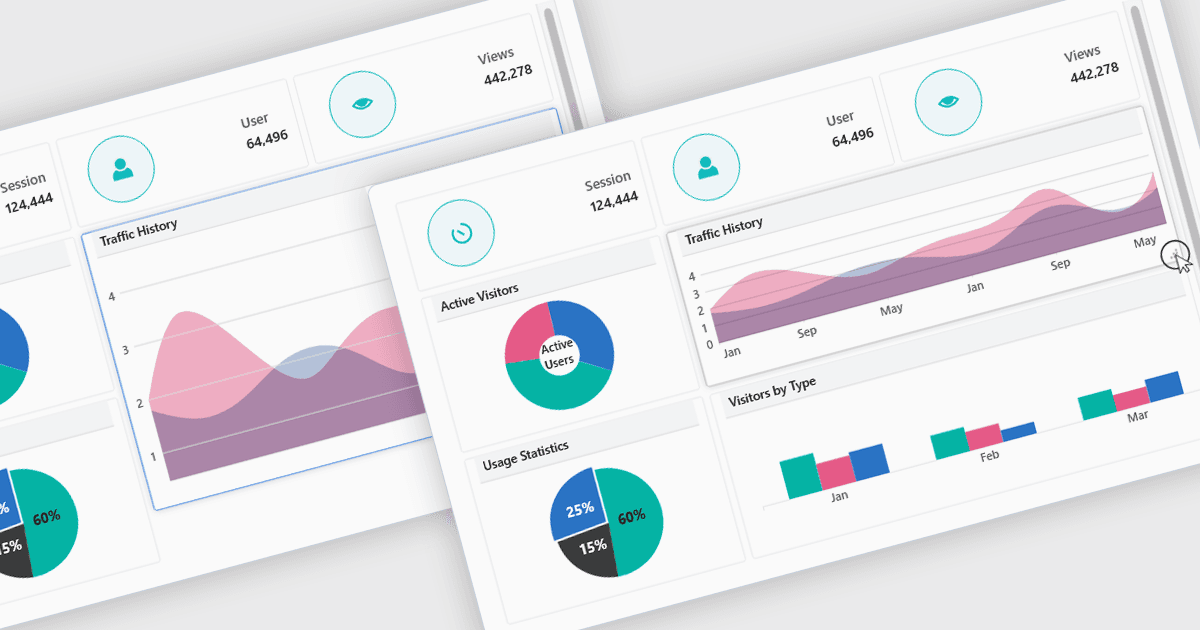
  • Infragistics Ignite UI lets you create advanced dashboard-style layouts using responsive grid stacks, docking panels, and resizing for data-rich displays.
  • Telerik UI for Blazor facilitates composable layouts with grids, splitters, and adaptive stacking, ensuring responsive interfaces without extra markup.
  • DevExpress ASP.NET and Blazor allow developers to assemble layouts with splitters, docks, and fluid panels, delivering responsive, customizable user interfaces.

For an in-depth analysis of features and price, visit our .NET Blazor UI suites comparison.

Compare .NET Blazor UI Suites