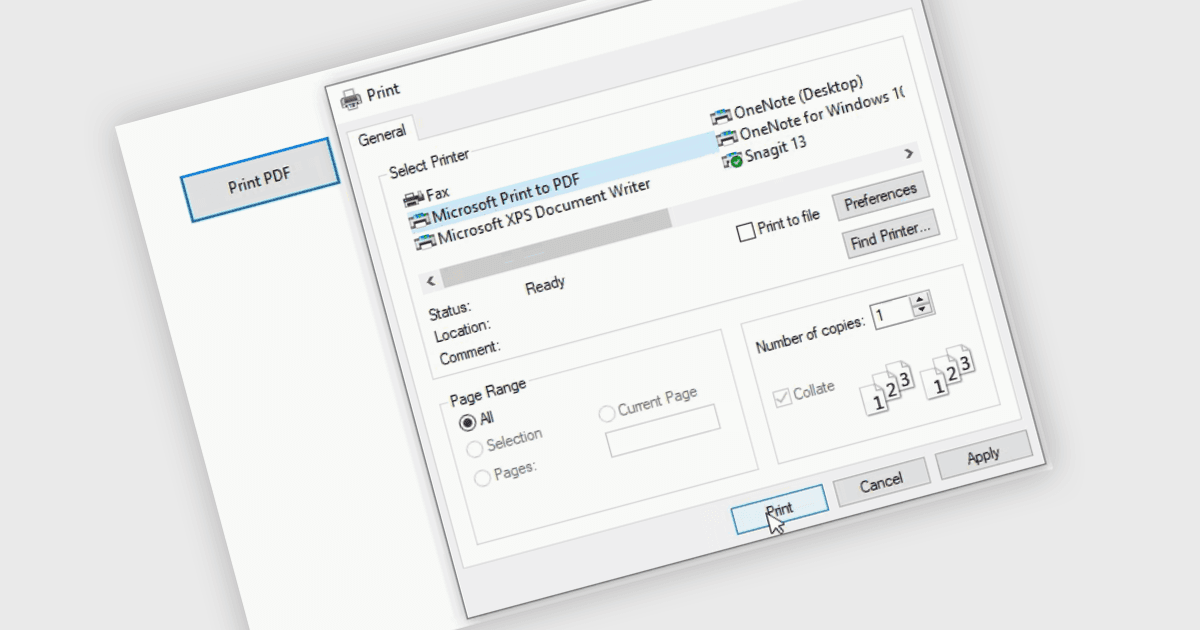
完全按照显示的方式采集文档

6月 24, 2025
打印并保存为 PDF 可确保您的应用程序能够生成可靠、高质量的文档,而不受操作环境的影响。

继续用英语阅读:

Printing to PDF allows users to save an existing document, webpage, or file as a PDF by using a virtual printer. It captures the document exactly as it would appear if printed, preserving the formatting, layout, and styling. The resulting document is typically static and cannot be edited, ideal for archiving or sharing finalized versions of a document. This feature is particularly useful for standardizing outputs across different software, ensuring consistent presentation, and providing an easy way to generate PDFs from files that do not natively support the format.

Several WinForms PDF controls offer the ability to print/save to PDF including:

  • Telerik UI PDF for WinForms (part of Telerik UI for WinForms) enables developers to print or export UI content directly to PDF files with layout fidelity and output options.
  • ComponentOne Studio WinForms PDF (part of ComponentOne Studio WinForms by MESCIUS) offers native support for saving forms, controls, and reports as PDF.
  • LEADTOOLS PDF provides a robust API for printing or exporting documents to PDF, supporting both vector and raster content, with configurable print settings and security options.
  • ImageGear for .NET by Accusoft allows saving rendered documents or image-based content directly to PDF formats, with control over compression and output resolution.

For an in-depth analysis of features and price, visit our WinForms PDF controls comparison.

Compare WinForms PDF Controls