使用灵活的页面管理整理文档
通过直观且易于使用的控件移动并重新排序 PDF 页面,提升流程感、增强清晰度,并实现专业的版式效果。
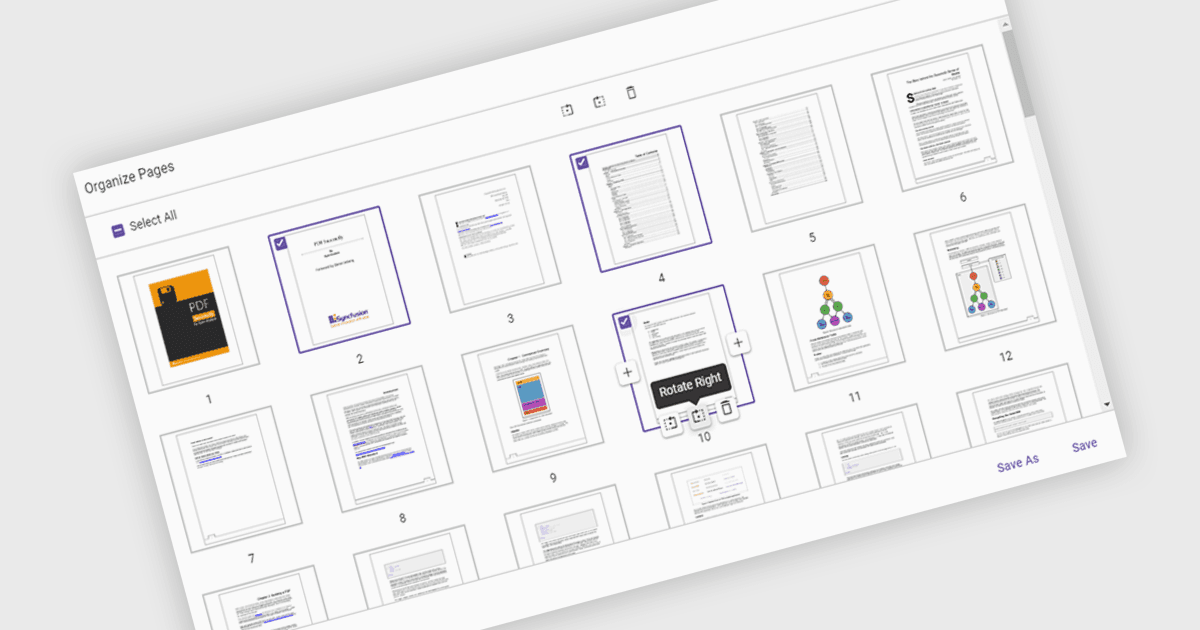
在 PDF 查看器中移动页面,指的是在文档中更改页面顺序的能力,以便更好地组织内容、提升可读性,或针对特定用途调整结构。该功能在编制报告、合并多个文档或纠正已扫描页面的排列顺序时尤其有用。只需将页面拖放到所需位置,用户即可简化工作流程,无需重新创建或重新导出文件。其优势包括提升文档清晰度、改善整体呈现流程,以及提高内容管理效率。例如,营销团队可以重新排序提案章节以增强影响力;而法务部门则可以按相关性整理案卷材料。
一些 ASP.NET Core PDF 查看器组件允许你在 PDF 文件中移动页面,包括:
- Document Solutions for PDF by MESCIUS 让你可以轻松地重新排列、复制或删除 PDF 页面,以优化结构并增强呈现流程。
- Telerik UI PDF for ASP.NET Core 便于在 PDF 中进行直观的页面重排,支持在基于 Web 的应用中直接进行精确的布局调整。
- Syncfusion ASP.NET Core PDF (Syncfusion Essential Studio Enterprise 的一部分) 允许你以编程方式重排并组织 PDF 页面,从而在各种工作流程中实现动态文档定制。
想深入了解功能和价格,请查看我们对 ASP.NET Core PDF 查看器组件的对比。