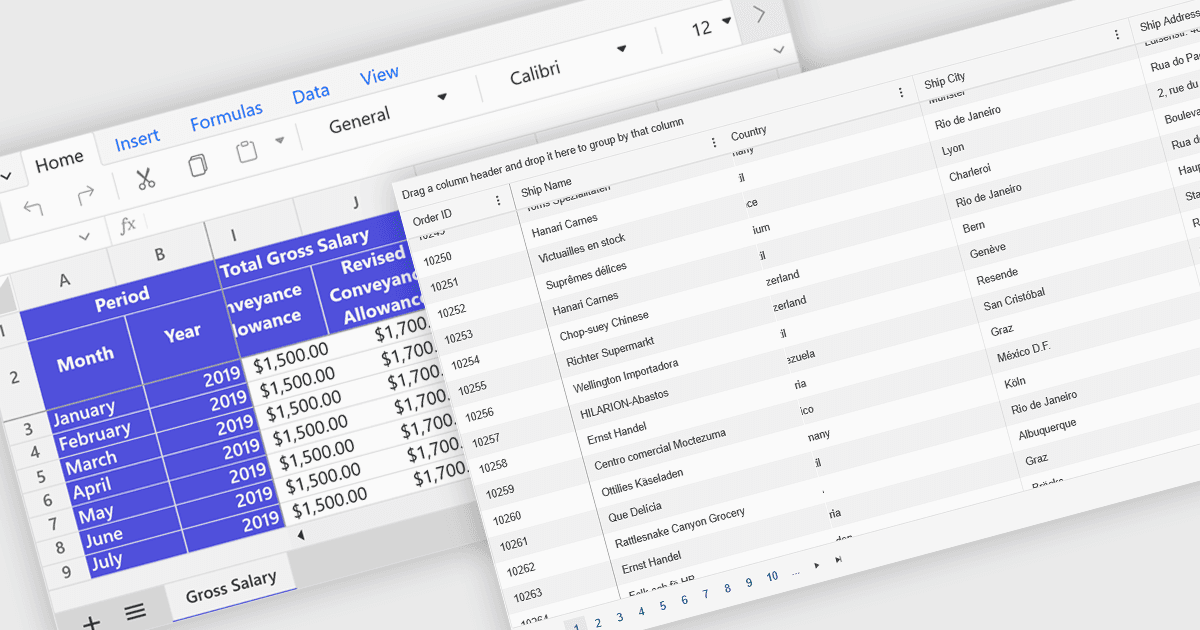
用锚定的行和列轻松导航

7月 17, 2025
通过保持关键行和列可见,冻结窗格增强了电子表格的清晰度,从而实现更轻松的导航和准确的数据分析。

继续用英语阅读:

Freeze Panes in spreadsheets is a feature that keeps selected rows or columns visible while you scroll through your data. This helps maintain context in large spreadsheets by keeping headers or labels in view, making it easier to read, analyze, and enter information accurately. Common use cases include freezing the top row in a budget sheet to keep month names visible, or locking the first column to see item names while reviewing data across many columns. It is especially valuable in financial reports, sales tracking, and project management tools where clarity and precision are essential.

Several ASP.NET Core spreadsheet controls offer freeze pane support including:

  • Syncfusion ASP.NET Core Spreadsheet (part of Syncfusion Essential Studio Enterprise) allows you to lock headers in place with Freeze Panes, improving data readability.
  • Telerik ASP.NET Core Spreadsheet (part of Telerik UI for ASP.NET Core) facilitates Freeze Pane functionality, ensuring critical rows or columns remain visible.
  • Aspose.Cells for .NET lets you freeze rows and columns programmatically to keep headers visible while navigating large Excel files effortlessly.
  • DevExpress ASP.NET Core Spreadsheet (part of DevExpress ASP.NET and Blazor) enables developers to freeze rows or columns, maintaining context and improving usability.

For an in-depth analysis of features and price, visit our ASP.NET Core spreadsheet controls comparison.

Compare ASP.NET Core Spreadsheet Controls