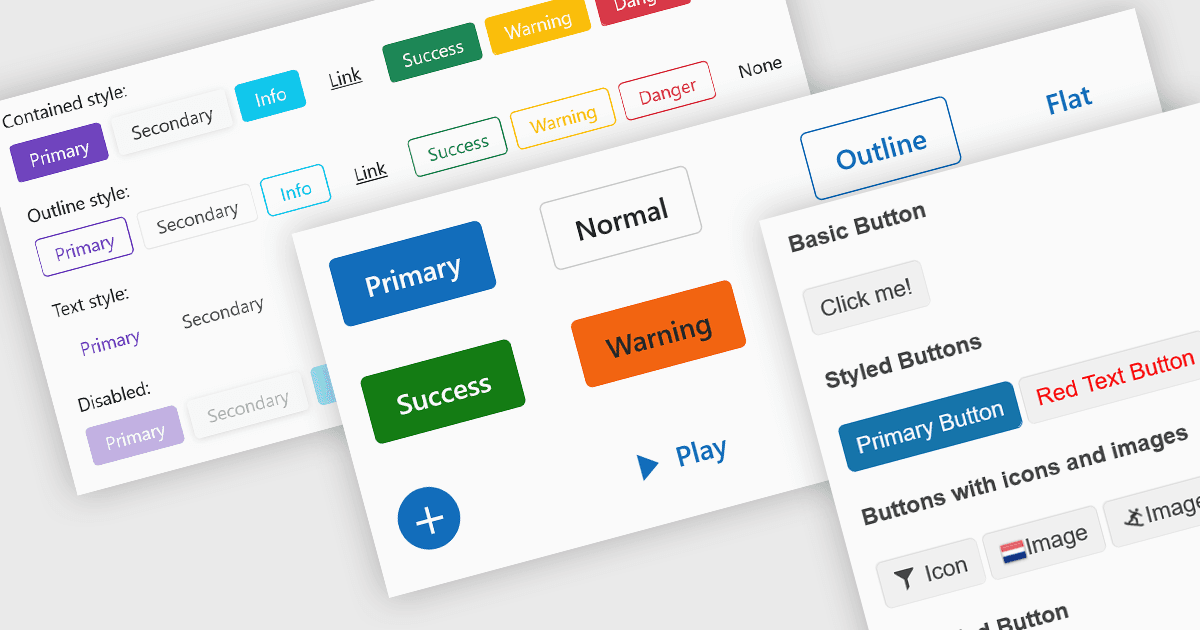
用 Blazor 应用中的内联按钮简化数据输入

7月 28, 2025
在表单字段或网格中嵌入命令按钮,以实现更快、更直观的用户交互,并减少对单独 UI 元素的依赖。

继续用英语阅读:

Buttons embedded in data editors enhance user interactions by providing inline command triggers such as clearing input, opening dropdowns, or submitting data. These buttons can be integrated directly into form fields or data grids, enabling more intuitive and compact interfaces. Developers benefit from customization options like icons, styles, behaviors, and events, allowing button functionality to be tailored to application-specific workflows. The inclusion of command buttons in editors simplifies interactions without the need for external UI elements.

Several Blazor data editor collections offer button editor components including:

  • DevExpress Blazor Data Editors (part of DevExpress ASP.NET and Blazor) incorporates built-in and custom command buttons within input controls, such as clear buttons in text inputs or spin buttons in numeric editors, using the DxEditorButton class to define behavior.
  • Telerik UI for Blazor Data Editors (part of Telerik UI for Blazor) supports button integration both in standalone forms and editor toolbars, offering styled buttons, icon support, and built-in command bindings like Submit, Reset, or custom user actions.
  • Syncfusion Essential Studio for Blazor Data Editors (part of Syncfusion Essential Studio Enterprise) enables the integration of command buttons (save, edit, delete) within DataGrid or in-place editors with interactive styling and event handling.
  • Infragistics Ultimate UI for Blazor Data Editors (part of Infragistics Ignite UI) provides the IgbButton component with variant and size configuration, toggle functionality, and the ability to include icon prefixes or suffixes, which can be embedded within data editors or form templates for interactive control.

For an in-depth analysis of features and price, visit our Blazor data editors comparison.

Compare Blazor Data Editors