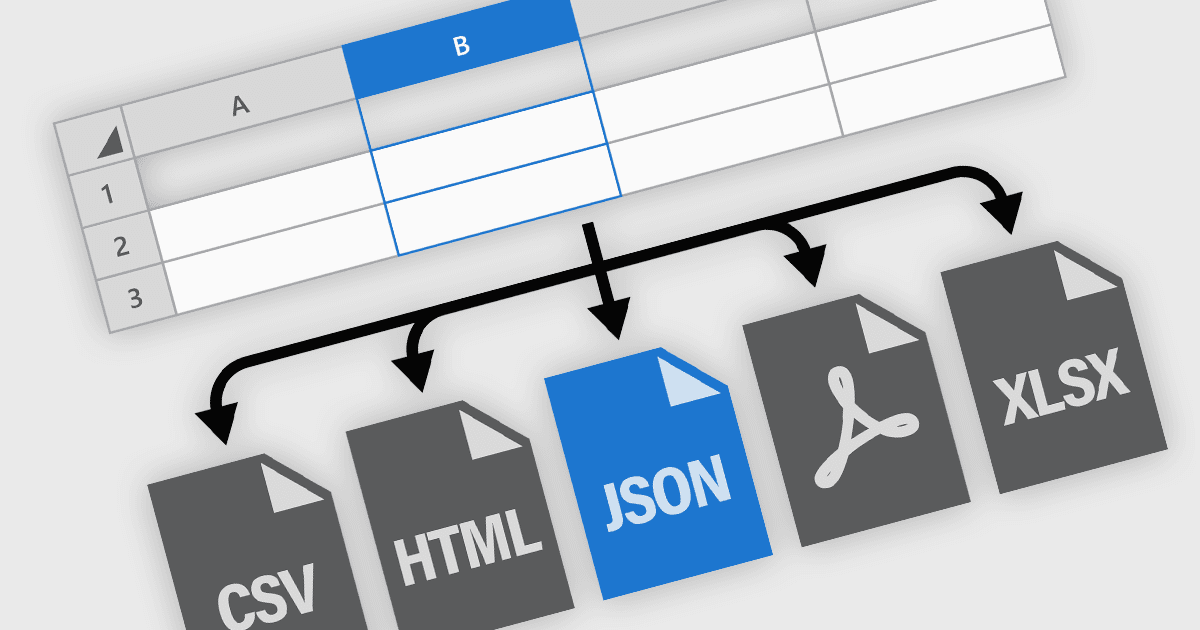
精确打印和导出电子表格

8月 26, 2025
新式电子表格组件提供对打印和导出的精确控制,从而保留跨格式的布局、格式和数据完整性。

继续用英语阅读:

Spreadsheet components in modern UI frameworks offer robust capabilities for exporting and printing data, enabling users to take structured, interactive grid content and transform it into static or sharable formats. These features are crucial in enterprise applications, where end users often need to generate reports, export analysis results, or share datasets in widely recognized formats. Whether integrated into financial dashboards, inventory systems, or business intelligence tools, export and print functionalities ensure that grid data remains portable, consistent, and accessible across various workflows and platforms.

Common features include:

  • Exporting to CSV format allows for quick export of raw tabular data, preserving the structure of the spreadsheet while maintaining compatibility with most spreadsheet tools and data processing platforms.
  • Exporting to HTML provides a way to preserve the visual layout and styling of the spreadsheet for embedding in web-based documents or reports.
  • Exporting to JSON supports integration with APIs and back-end systems, making it easier to serialize grid data for programmatic use.
  • Exporting to Microsoft Excel (XSLX) retains advanced formatting, formulas, and multi-sheet structures, providing easy interoperability with the Excel desktop and web apps.
  • Image export captures a visual snapshot of the spreadsheet, useful for presentation slides or visual documentation where editable data is not required.
  • PDF export delivers a print-ready, paginated view of spreadsheet content with options for customizing headers, footers, fonts, and layout.
  • Printing support lets users generate hard copies or digital prints with configurable page settings, headers, and footers, often matching what is seen on screen.

For an in-depth analysis of features and price, visit our ASP.NET Core spreadsheet components comparison.

Explore ASP.NET Core File Export and Printing Features